































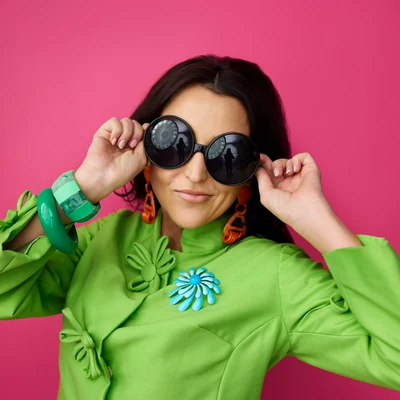
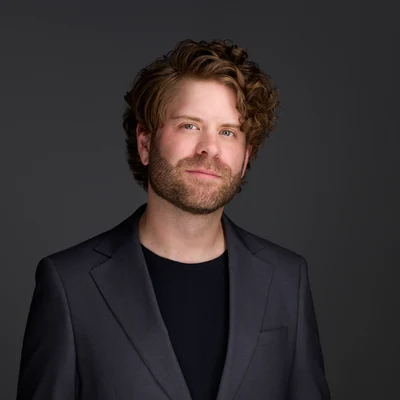

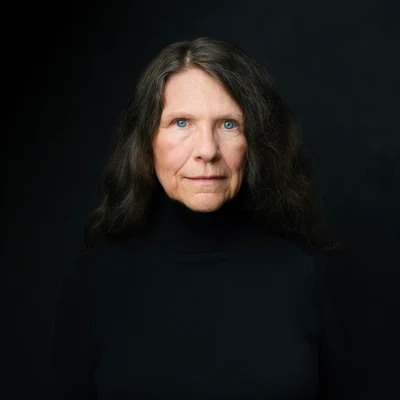
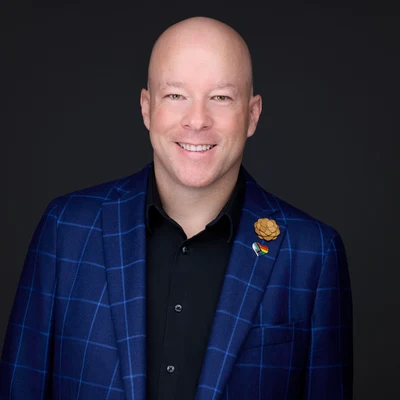
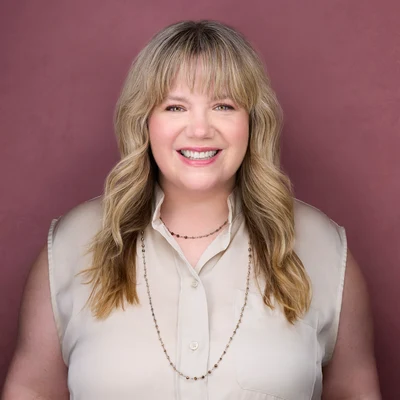

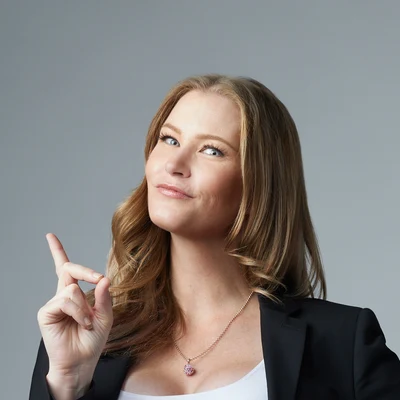
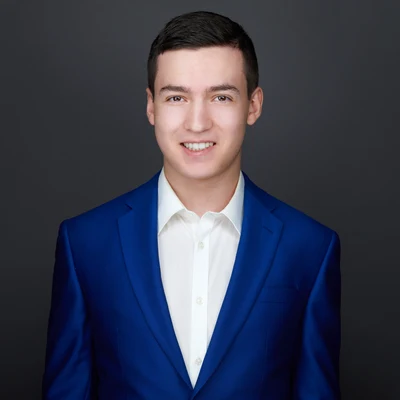
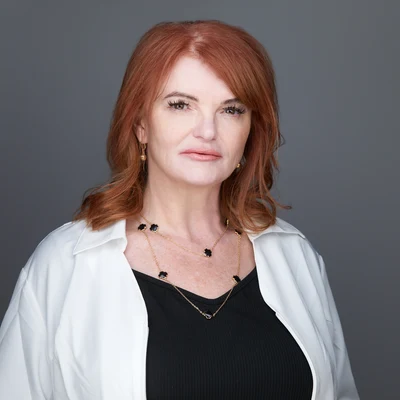



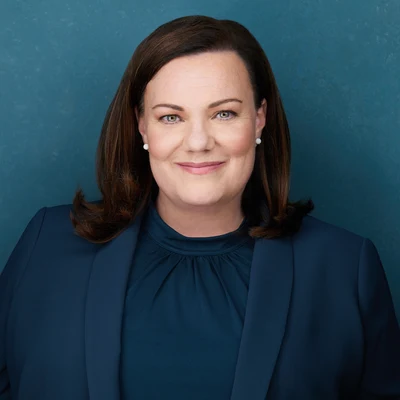


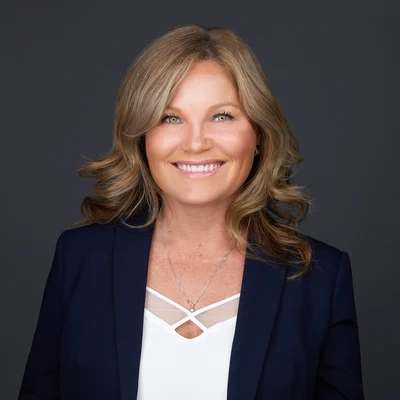
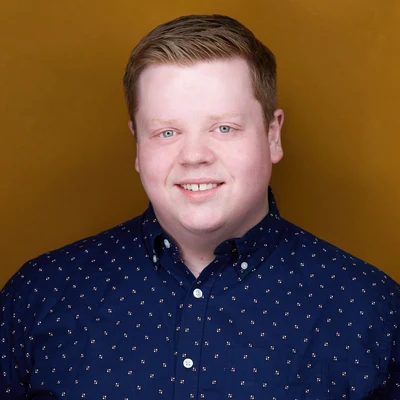
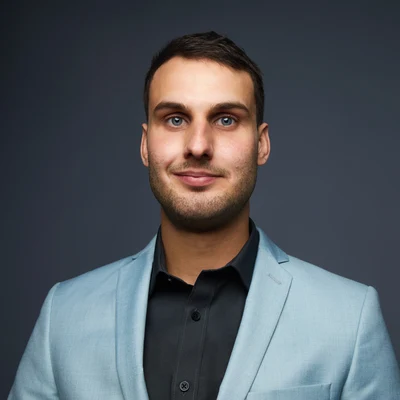





































 Jennifer RuparellSeptember 2026Ryan, you made this experience fun! I’m not a person who likes my picture being taken and you made my uncomfortableness a relaxed and playful time. The session was quick and smooth-perfect. I love, and my company loves the headshot. Thanks Ryan!
LinkedIn Headshots in Edmonton
Made for the circle.
Want to join them?
Book your headshot, or see what the session is first.
Where it shows up
Small first. Full size last.
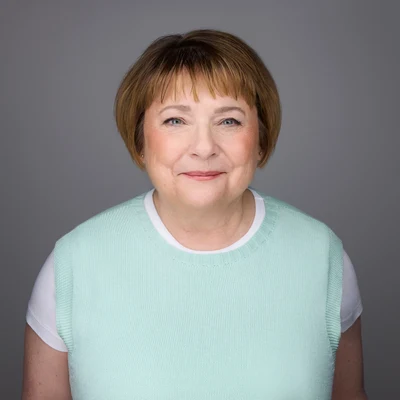
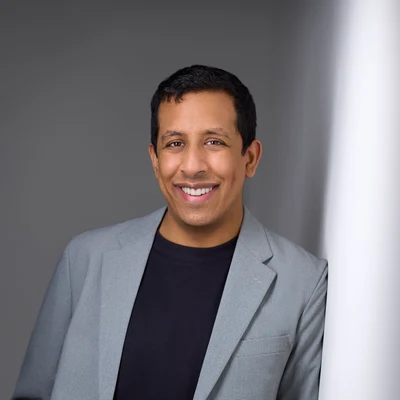
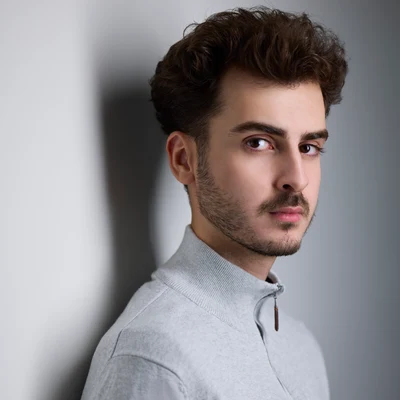
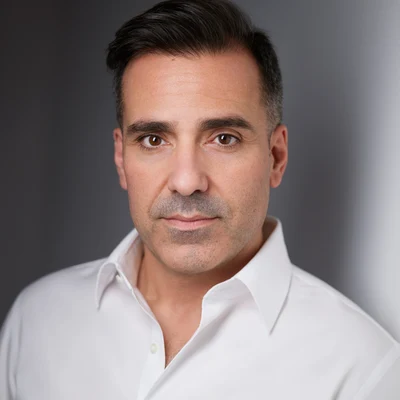
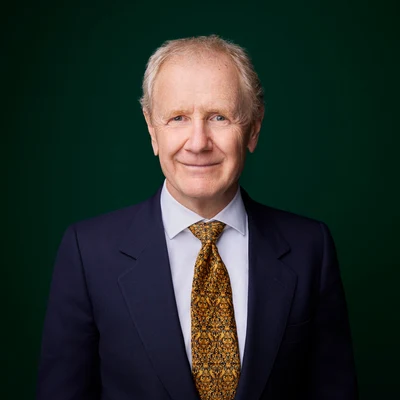
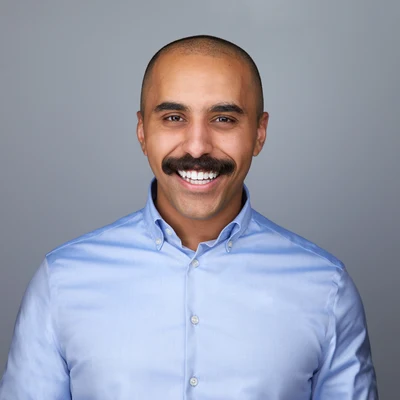
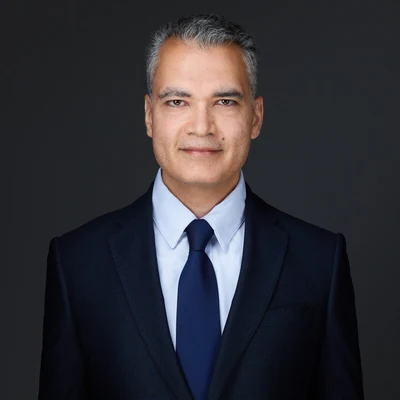
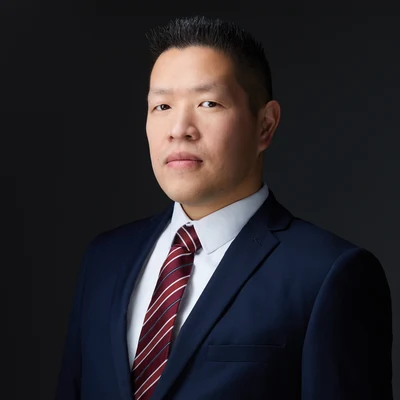
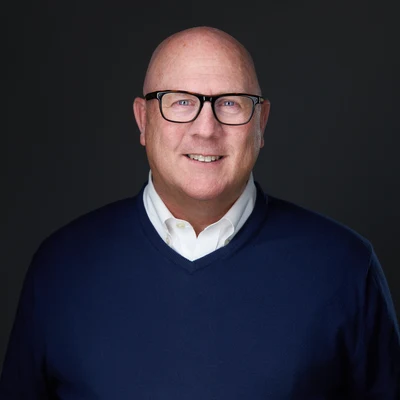
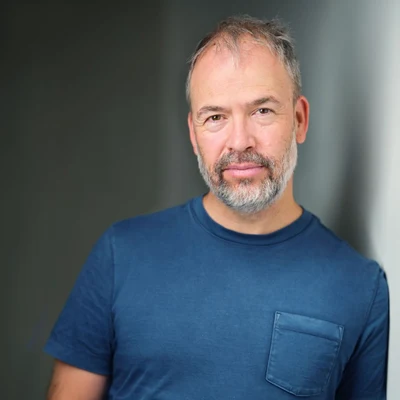
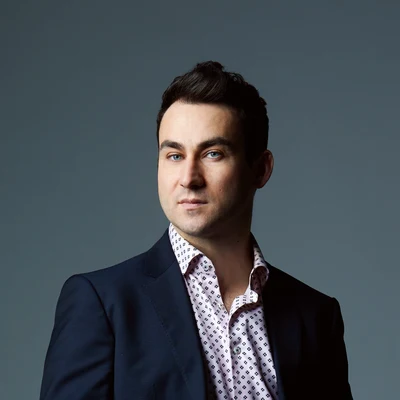
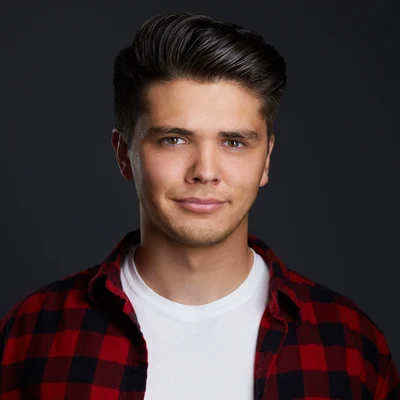
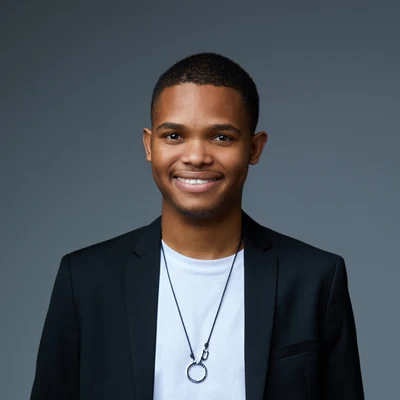
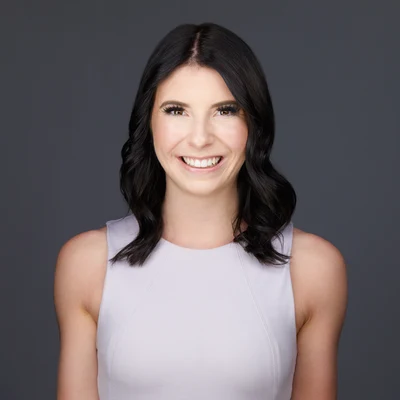
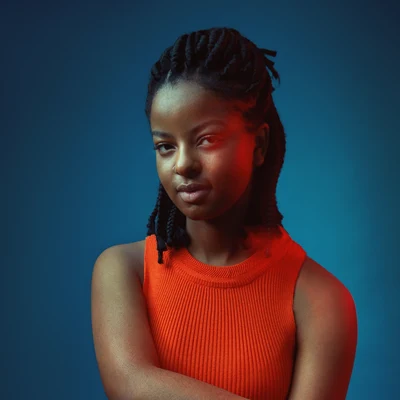
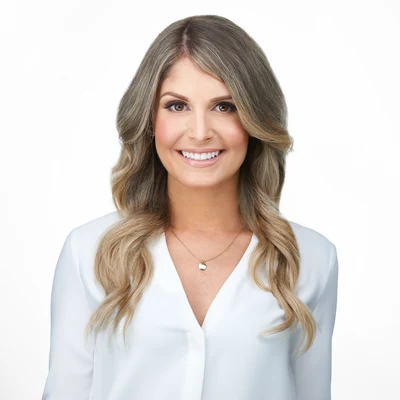
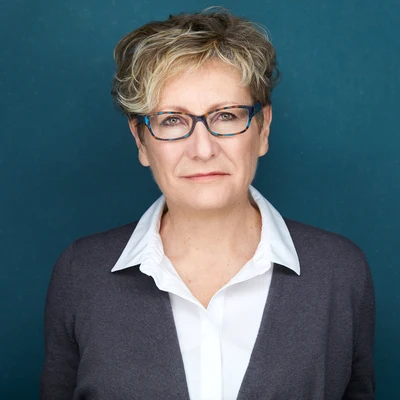
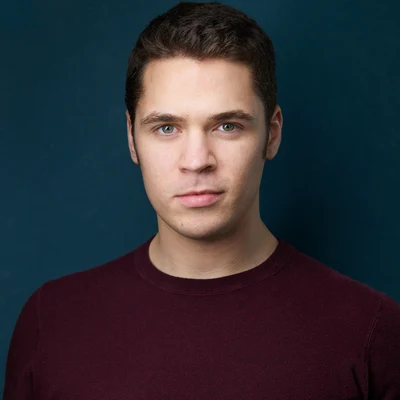
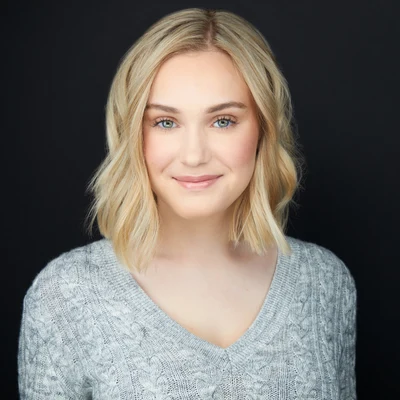
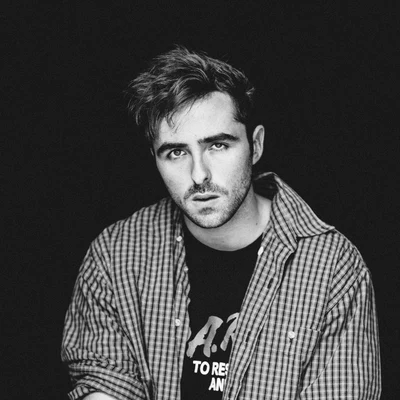
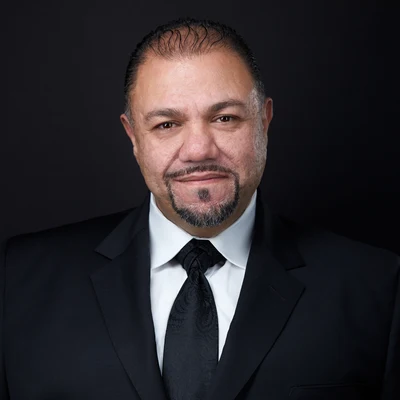
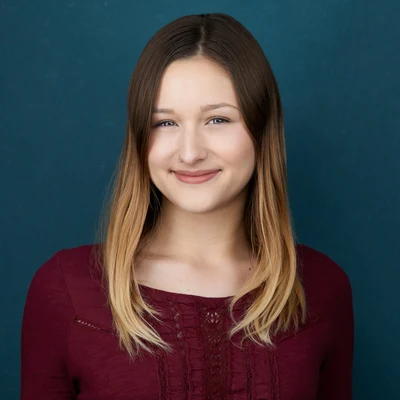
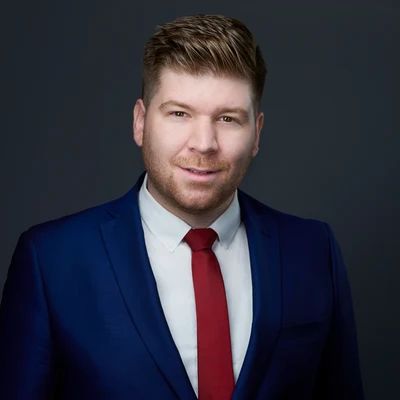
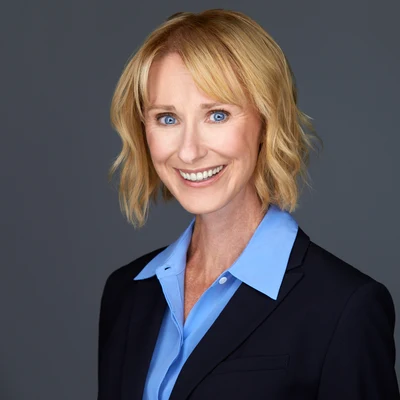
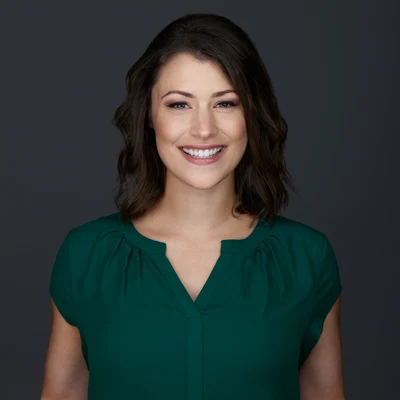
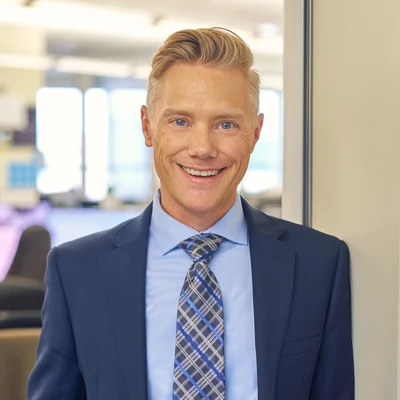
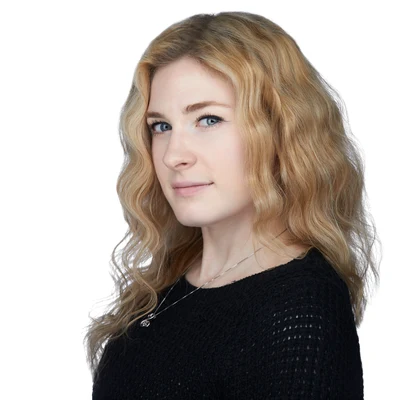
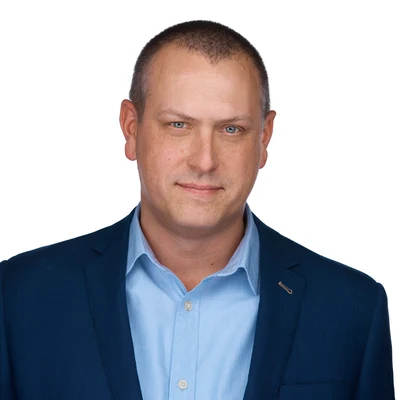
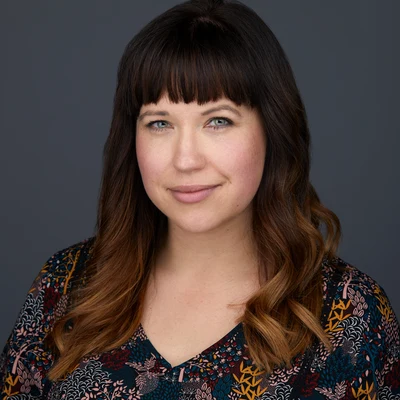
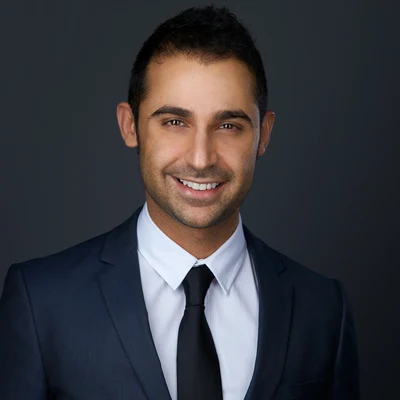
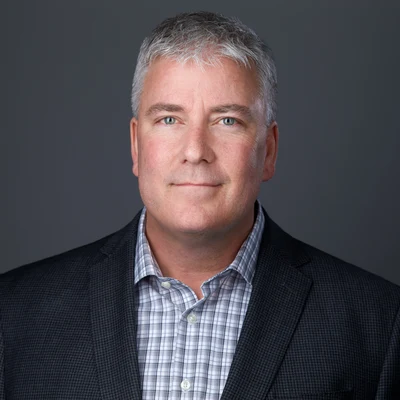
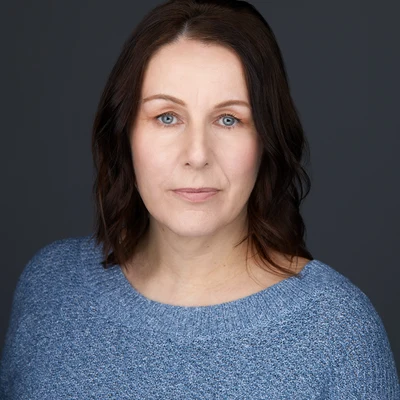
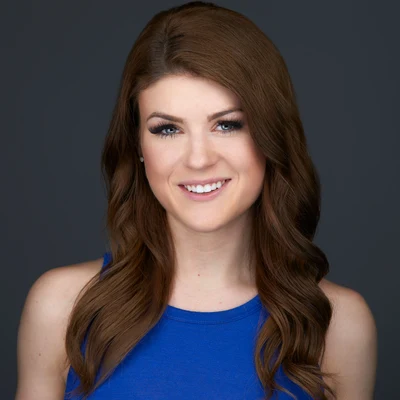
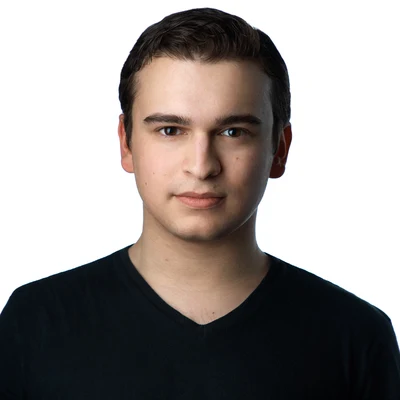
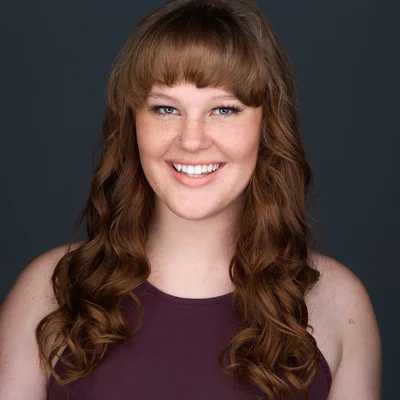
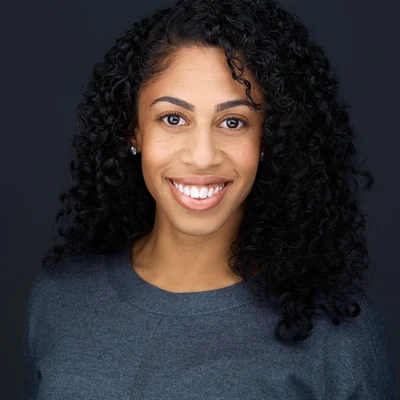
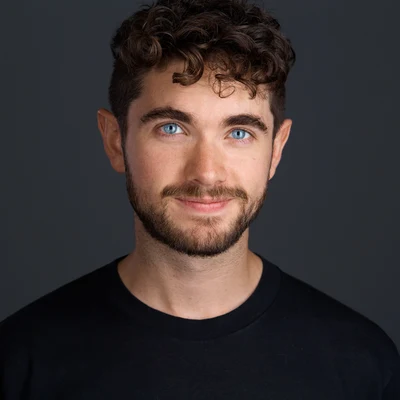
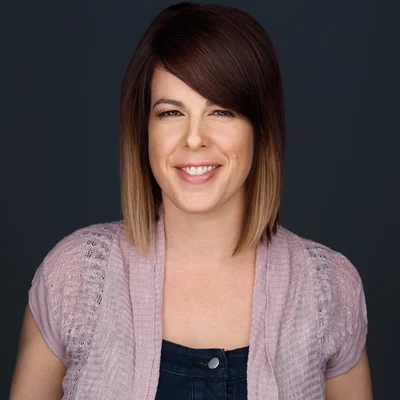
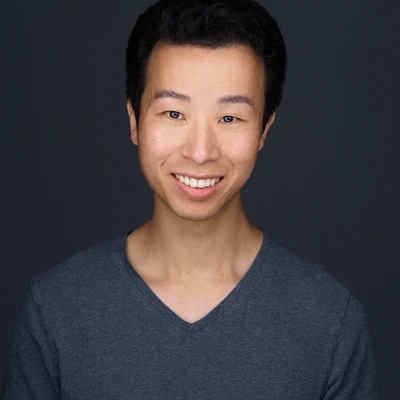
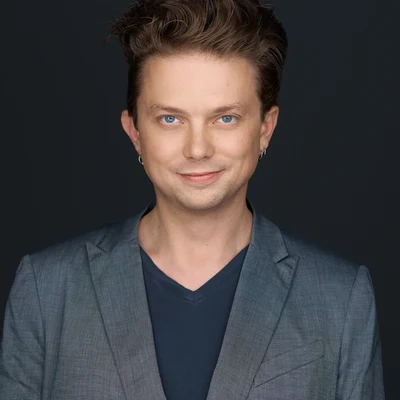
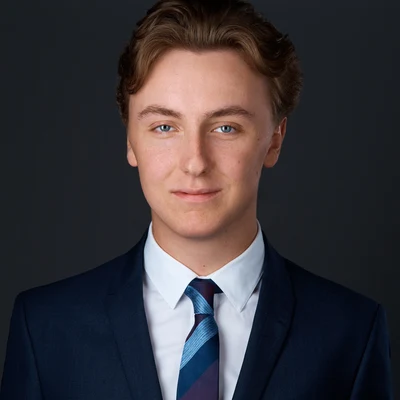
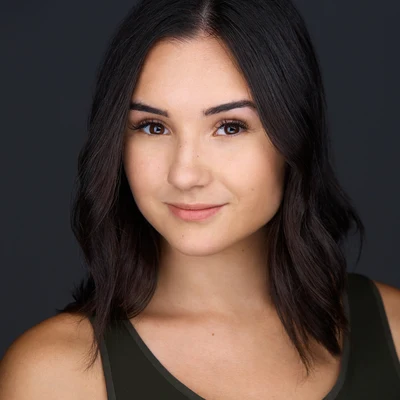
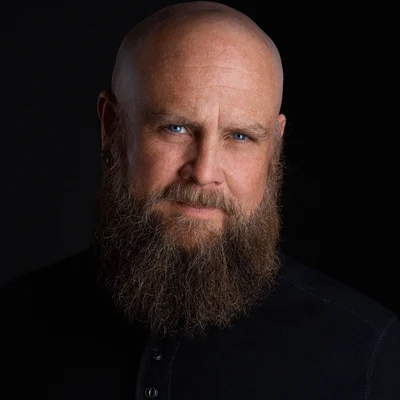
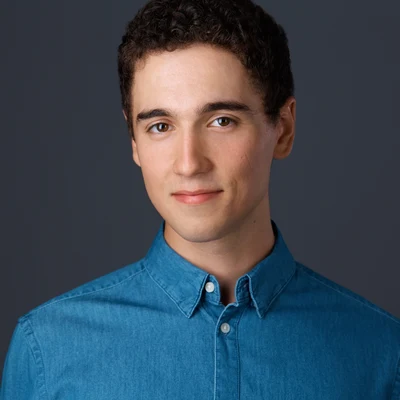
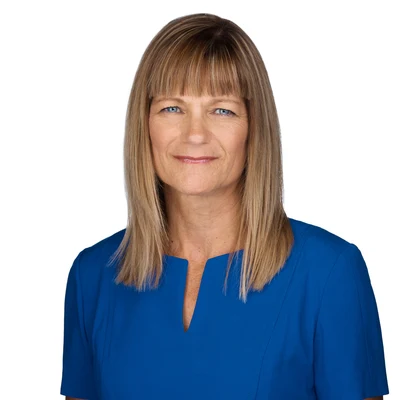
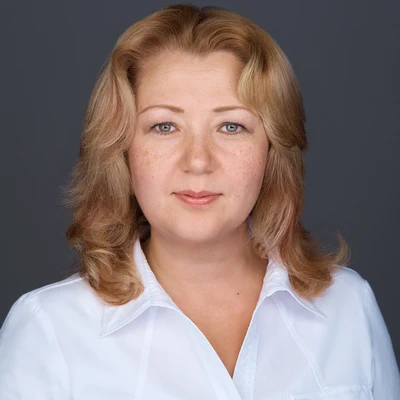
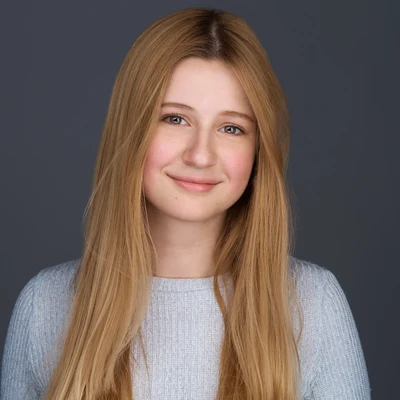
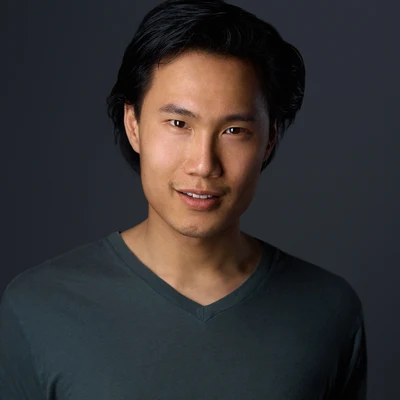
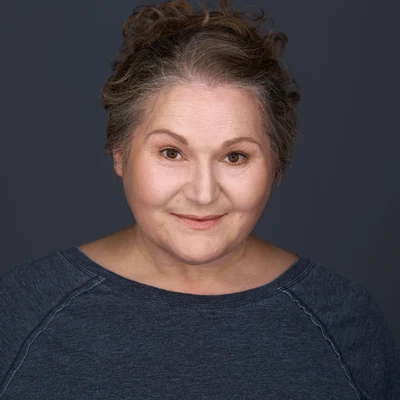
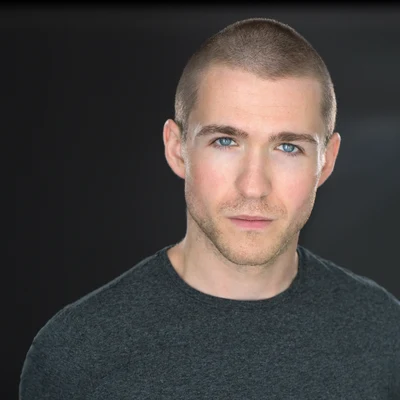
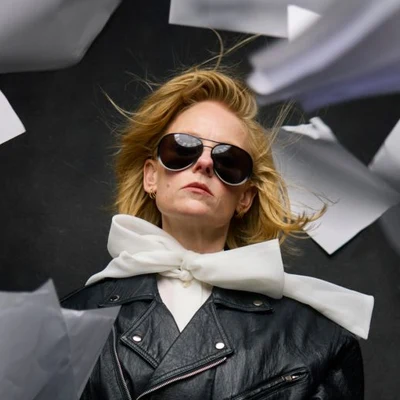
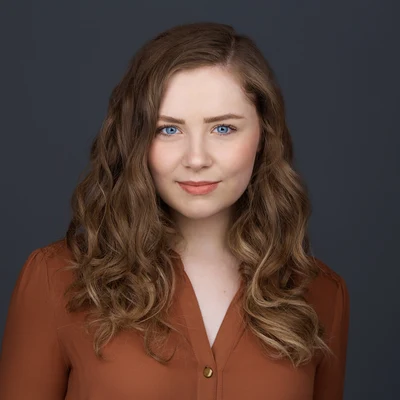
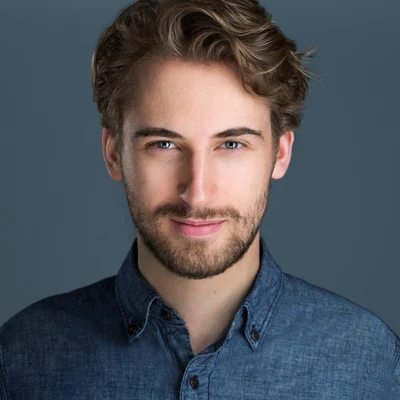
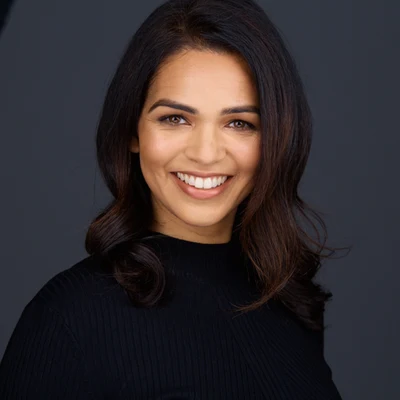
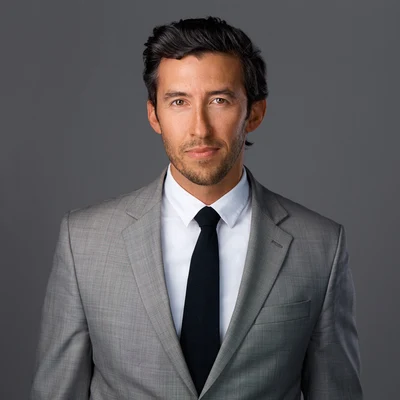
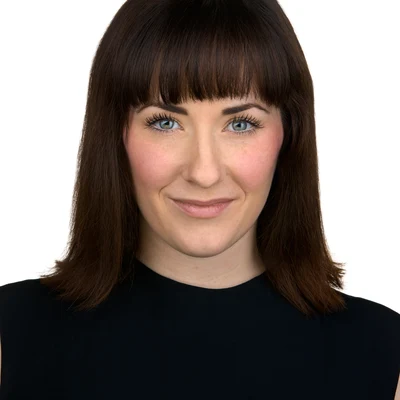
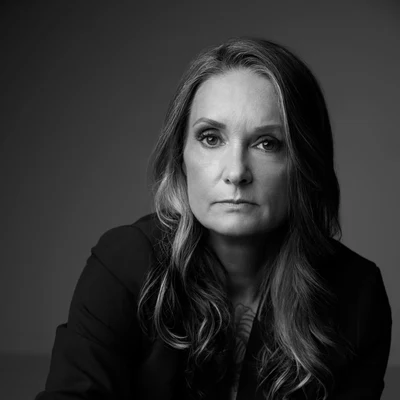
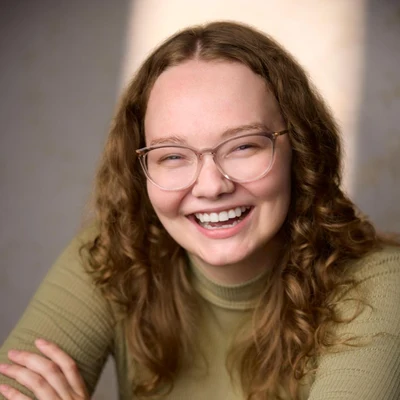
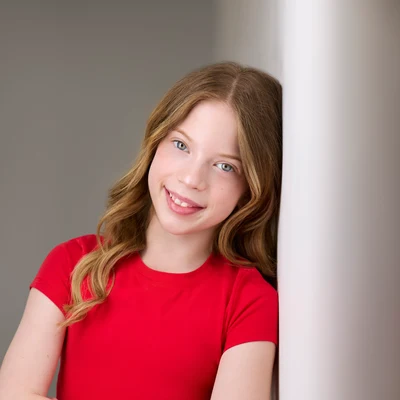
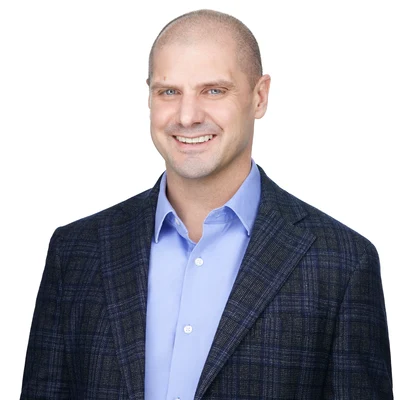
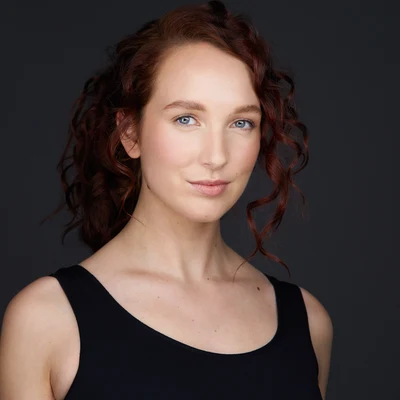
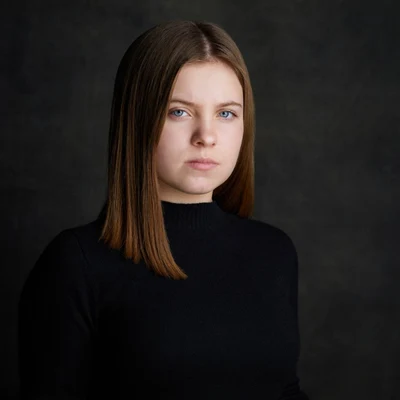
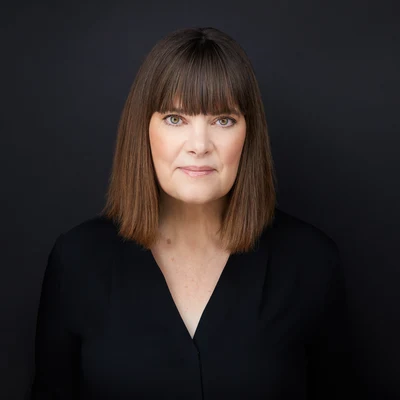
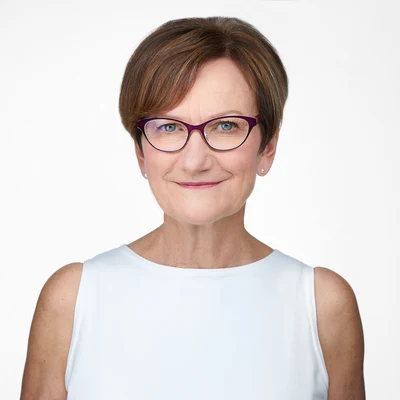
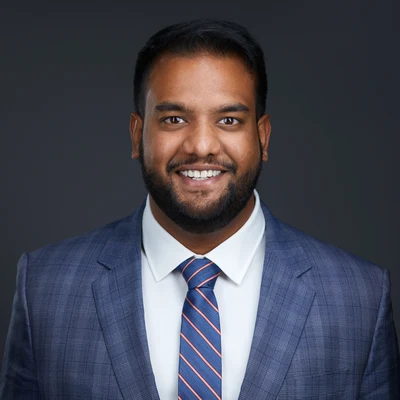
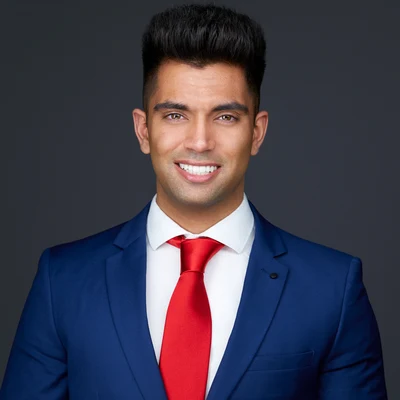
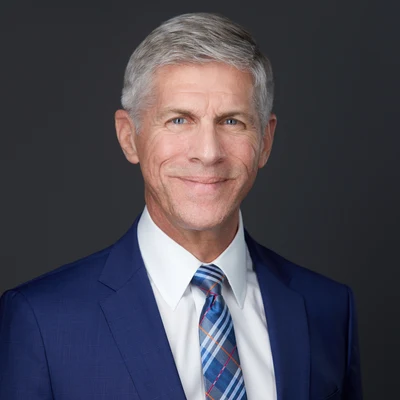
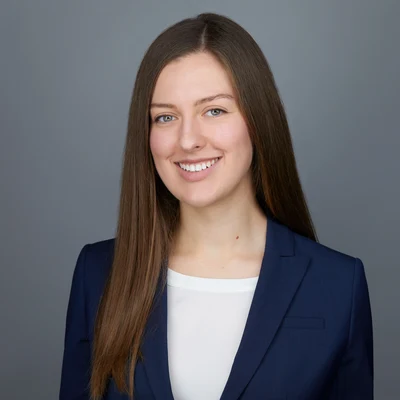
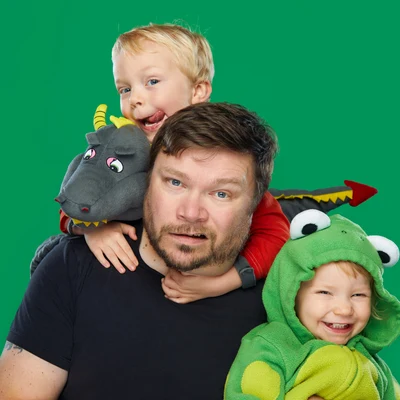
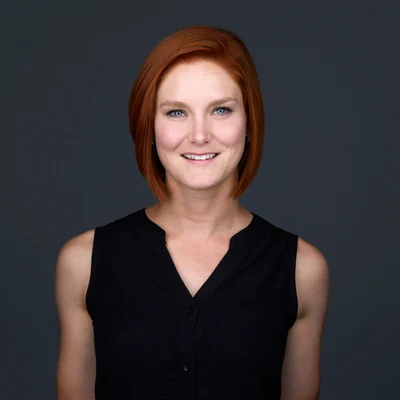
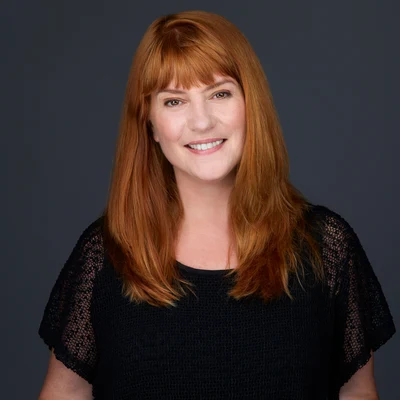
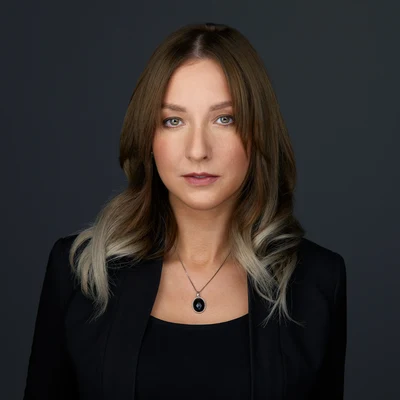
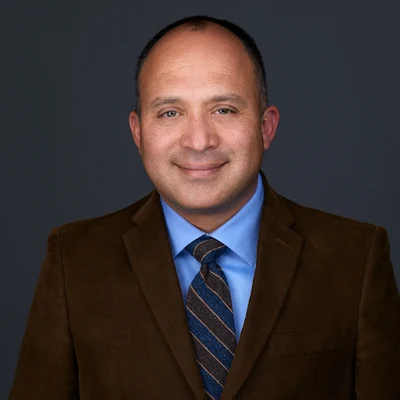
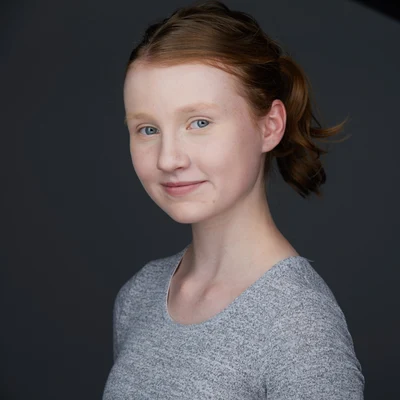
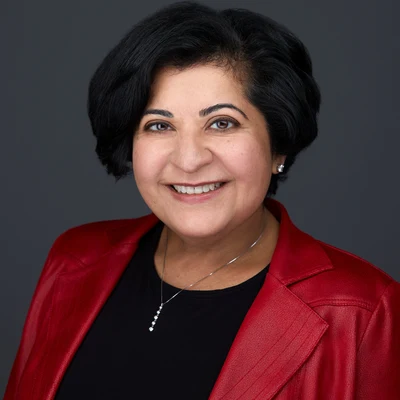
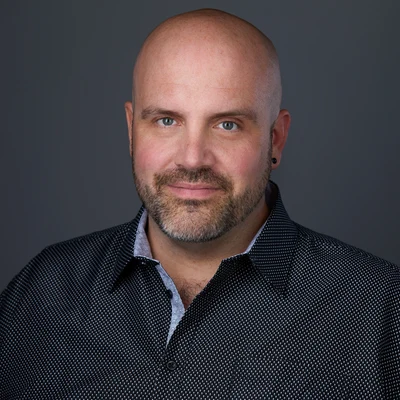
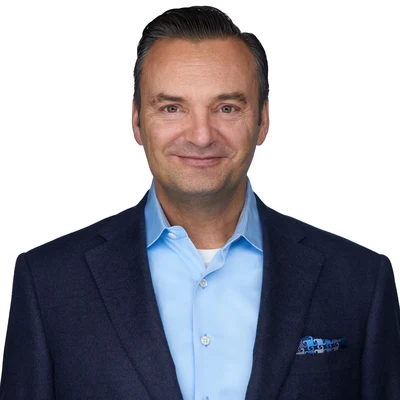
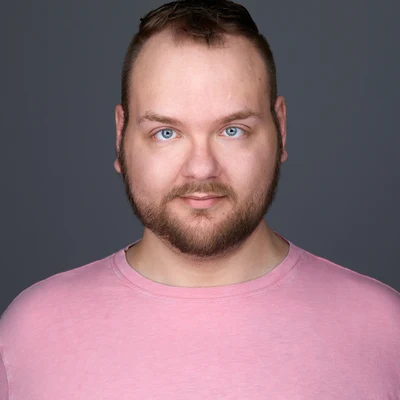
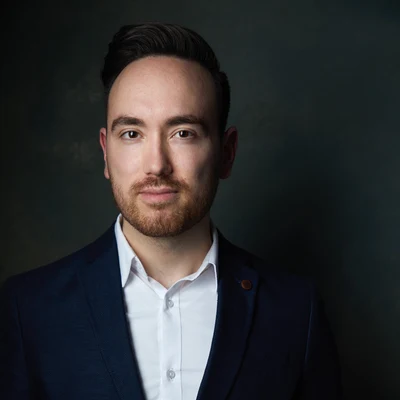
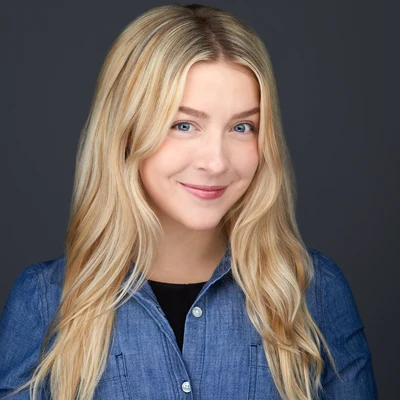
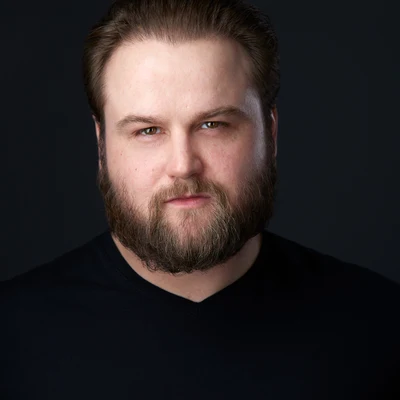
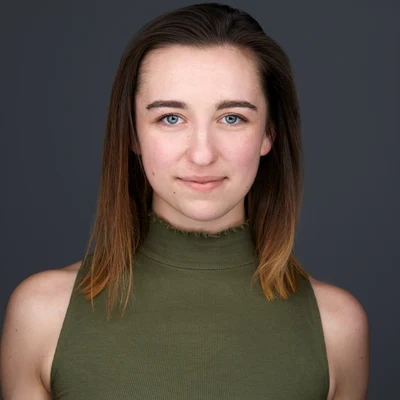
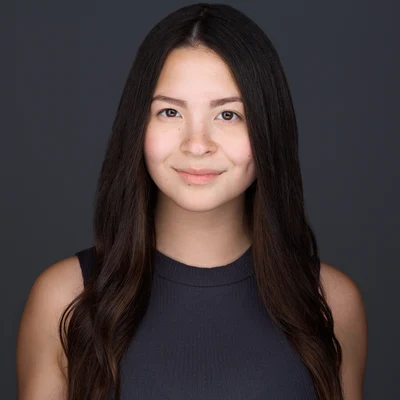
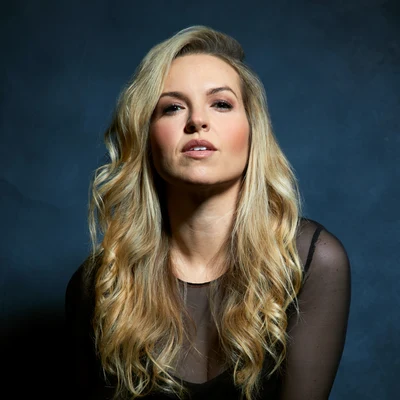
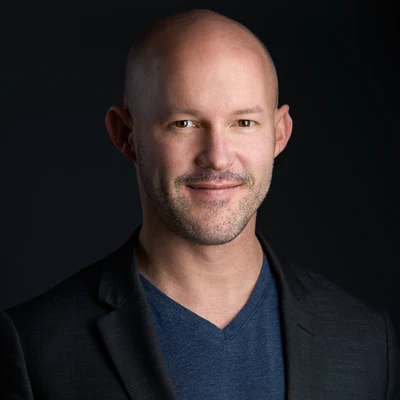
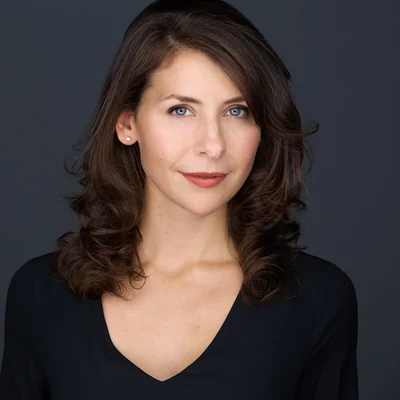
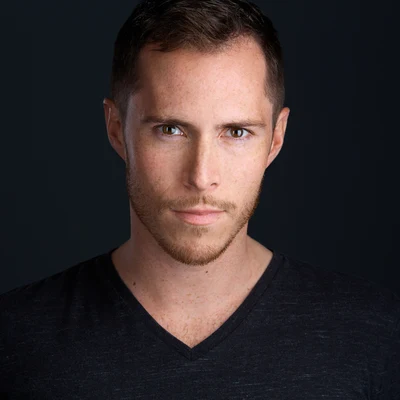
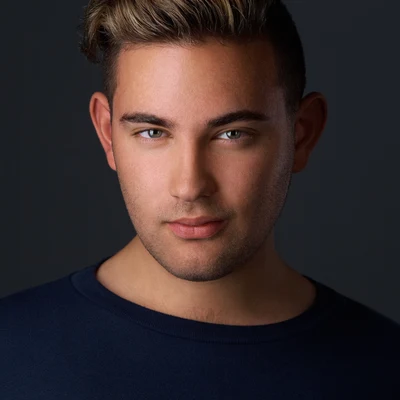
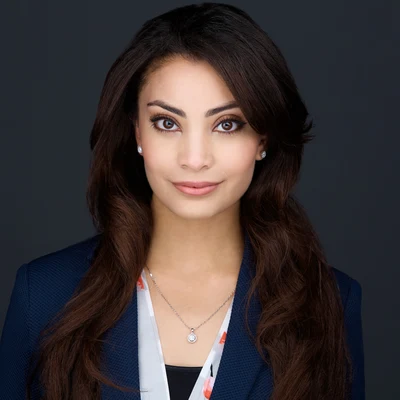
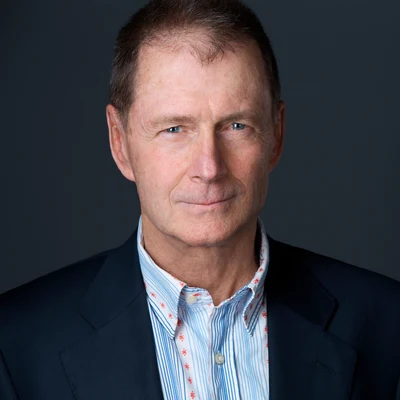
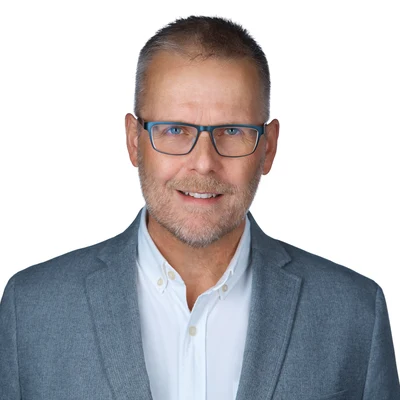
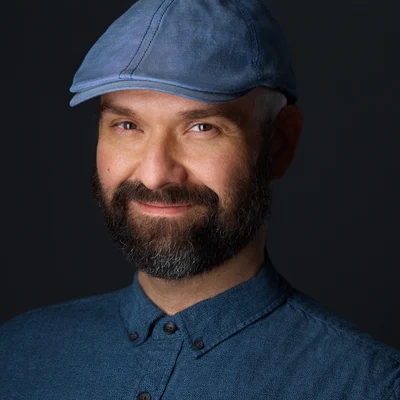
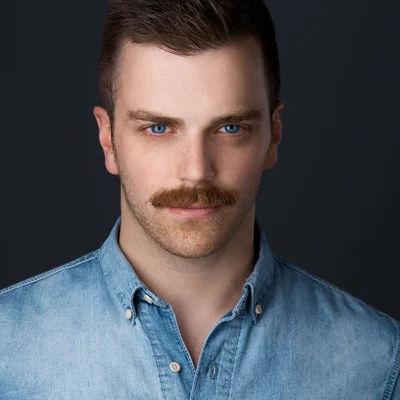
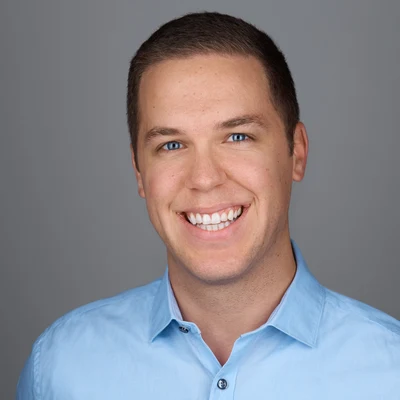
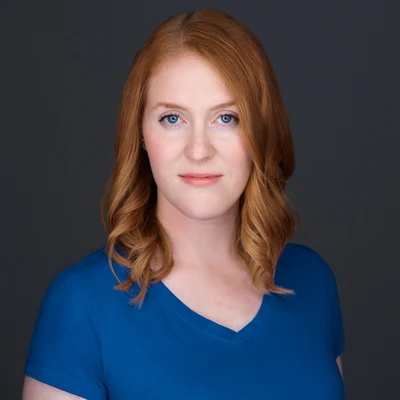
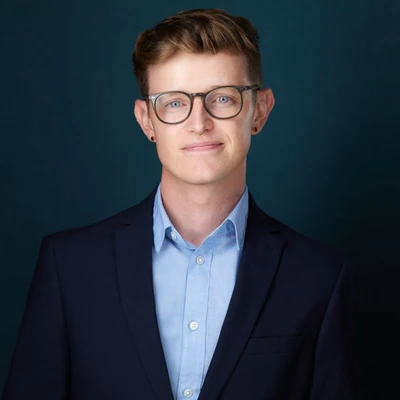
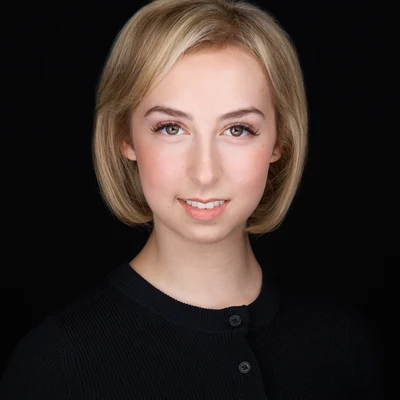
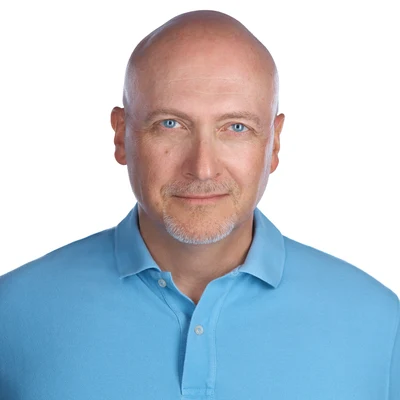
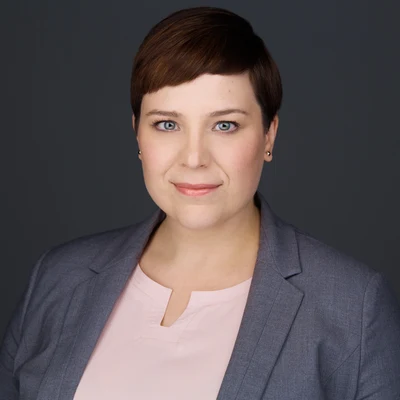
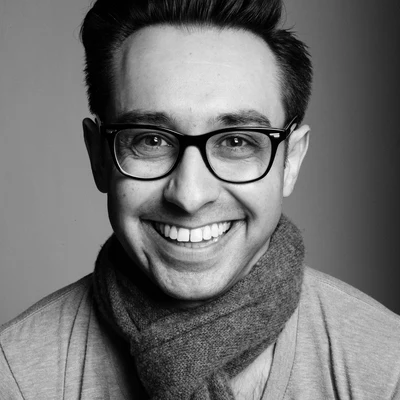
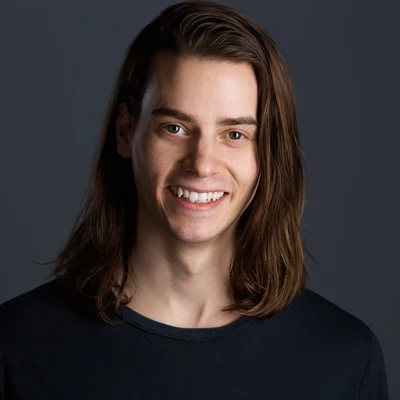
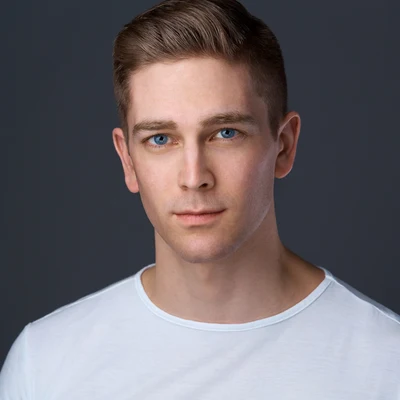
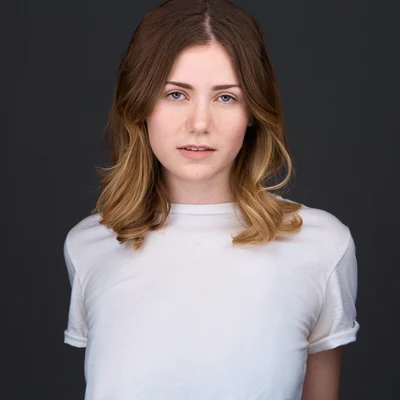
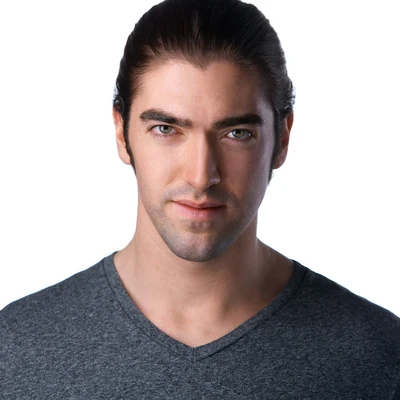
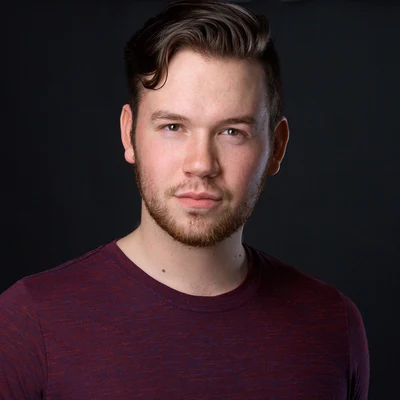
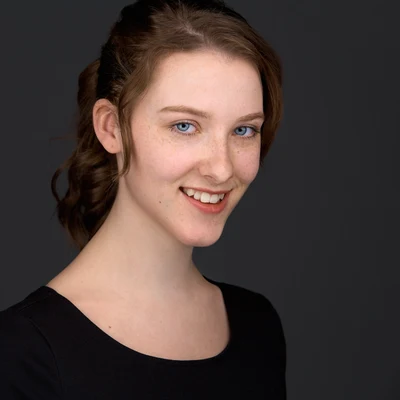
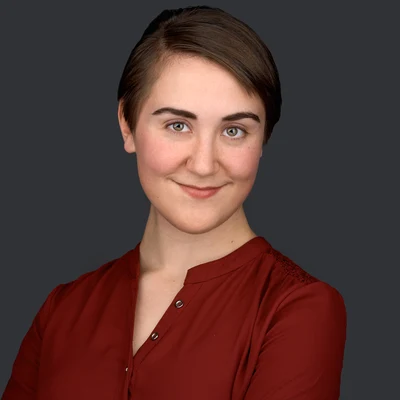
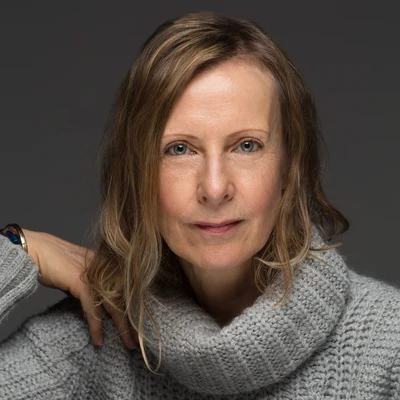
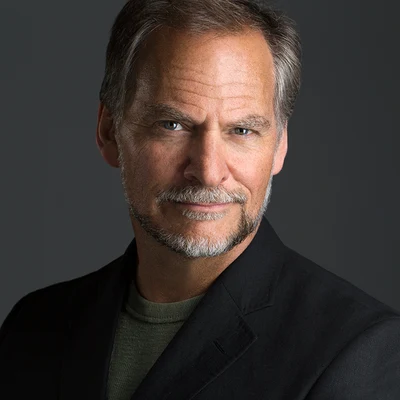
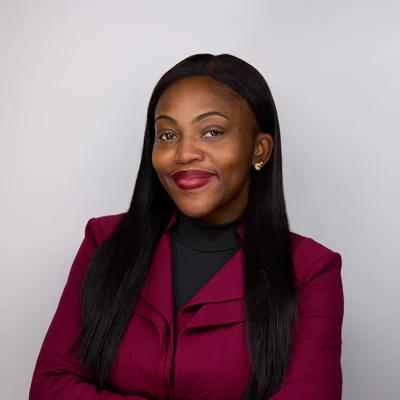
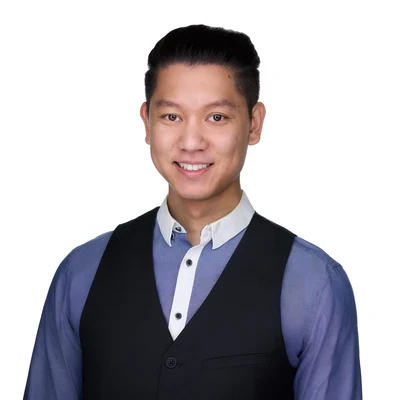
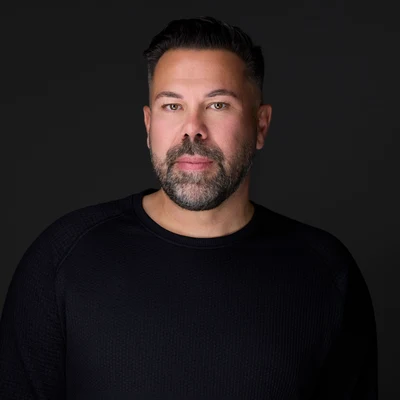
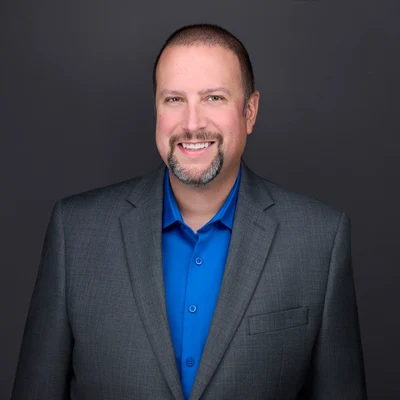
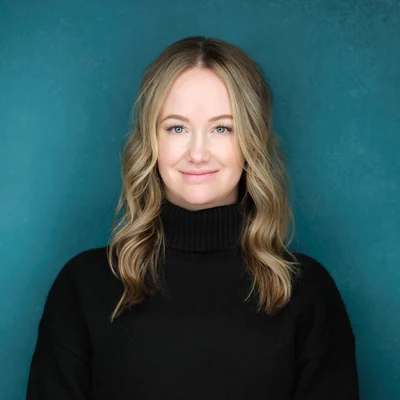
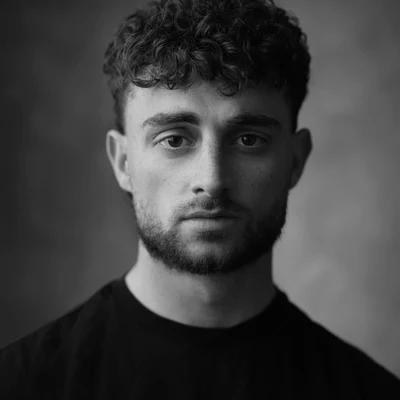
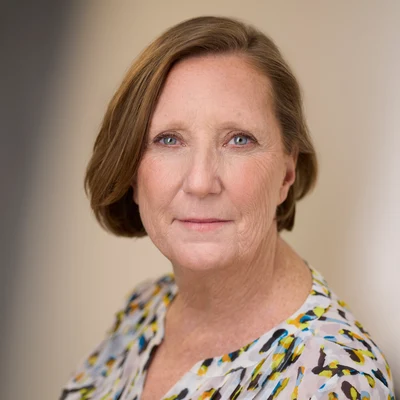
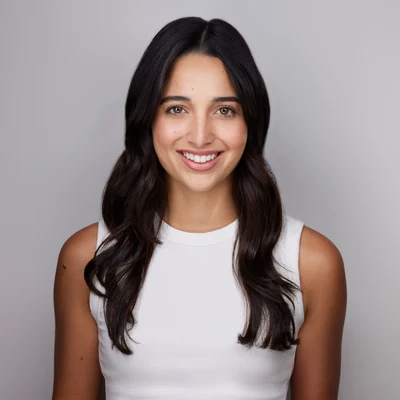
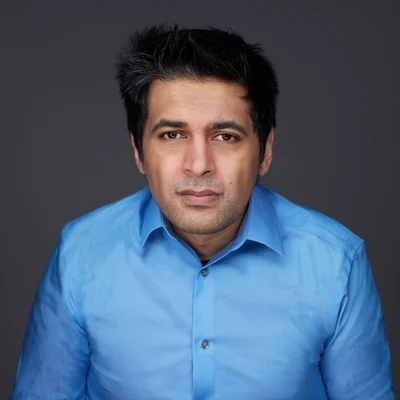
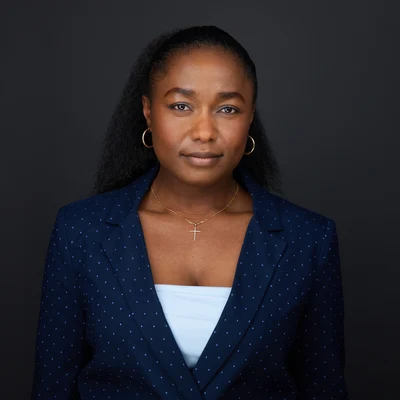
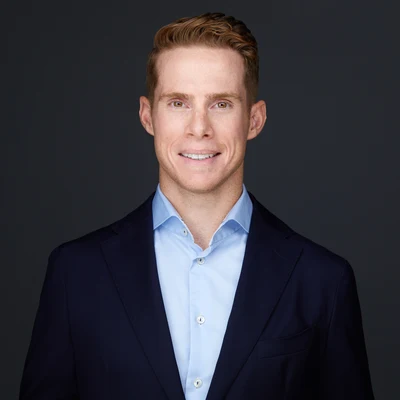
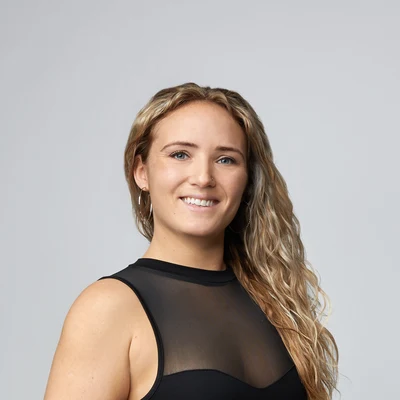
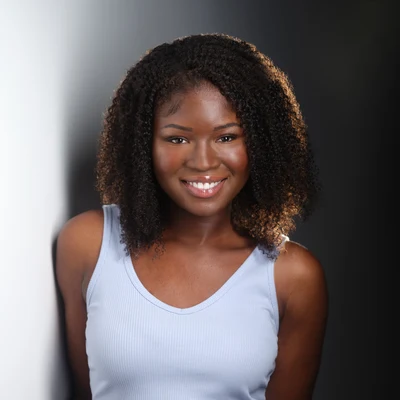
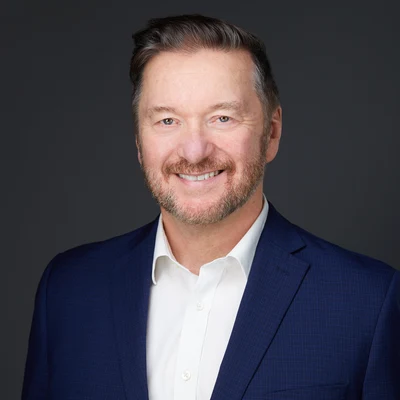
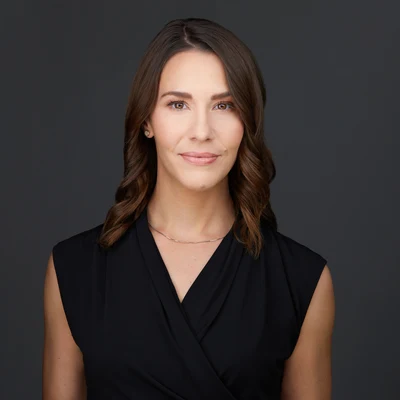
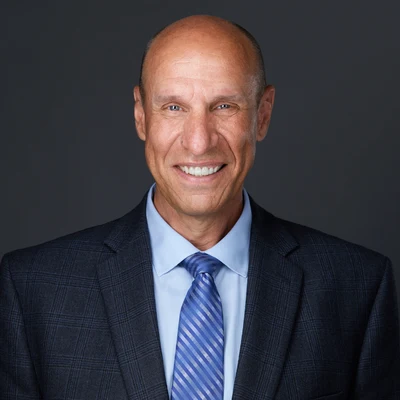
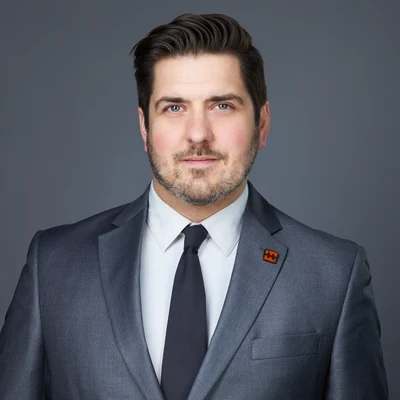
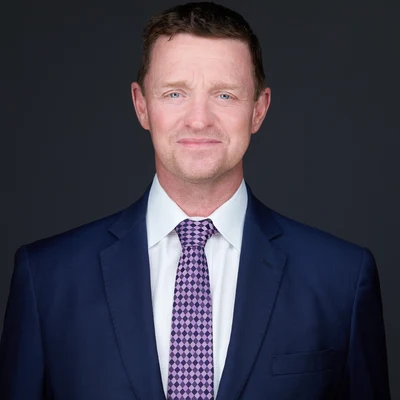
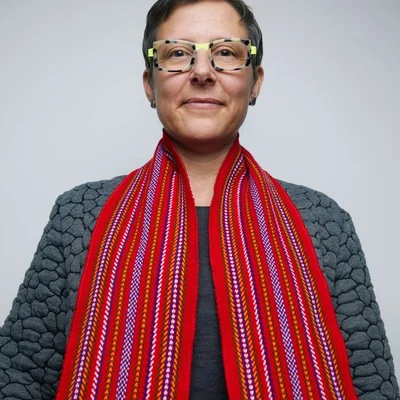
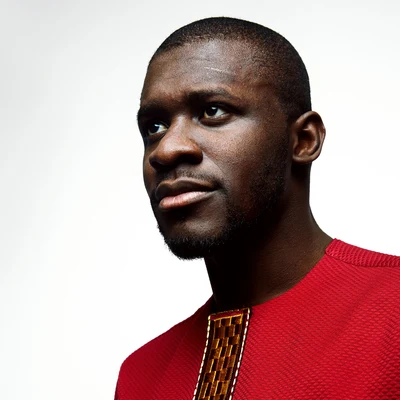
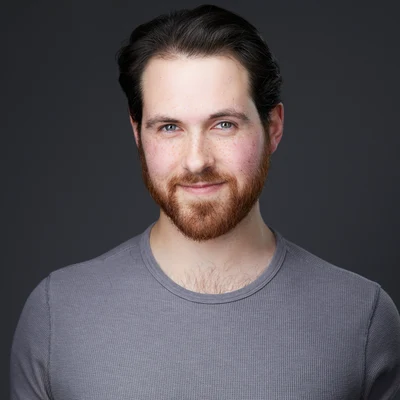
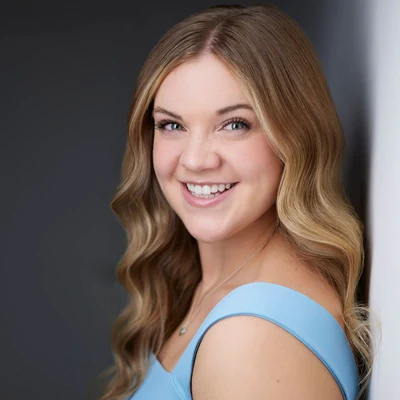
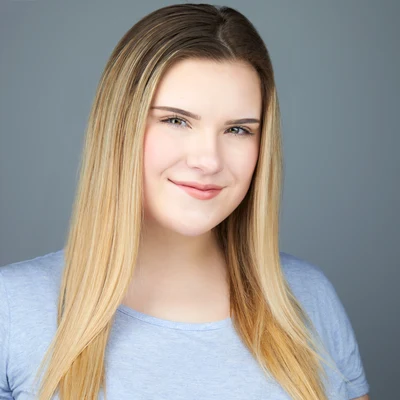
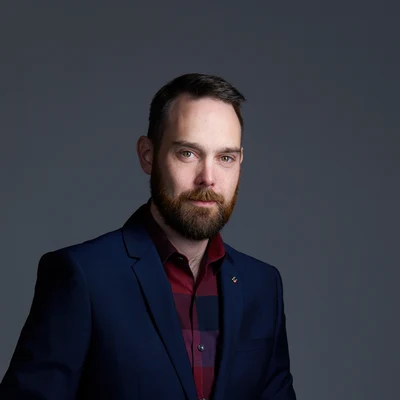
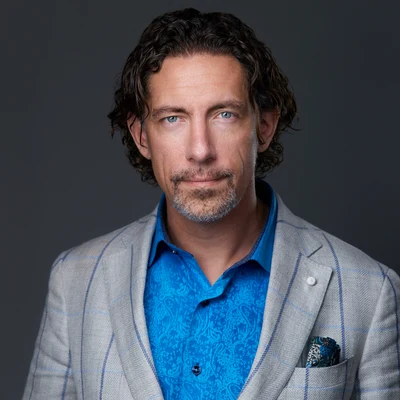
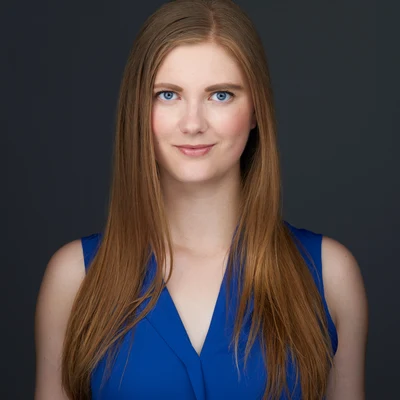
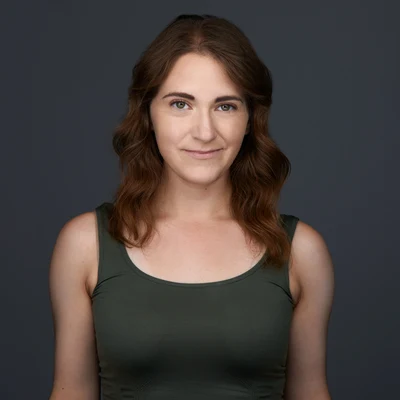
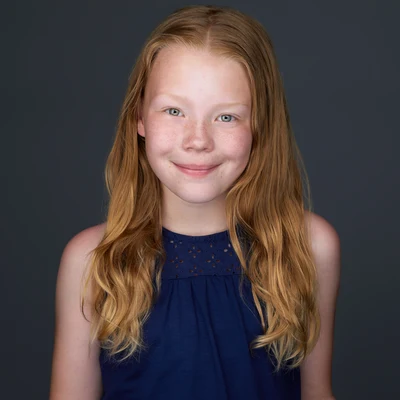
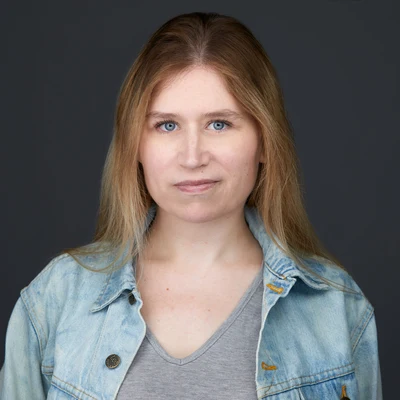
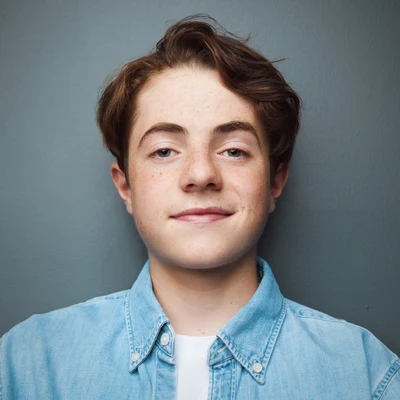
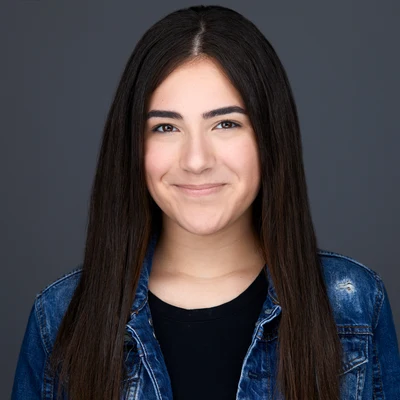
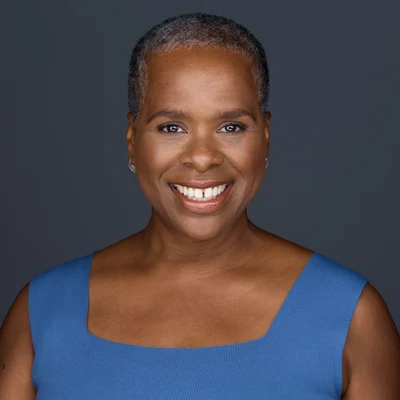
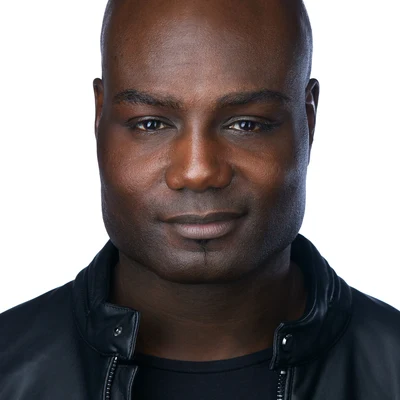
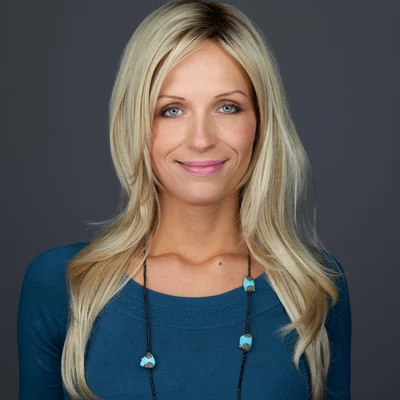
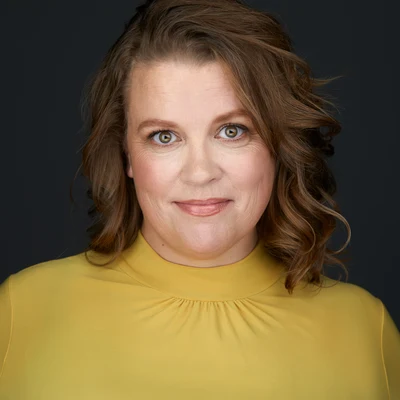
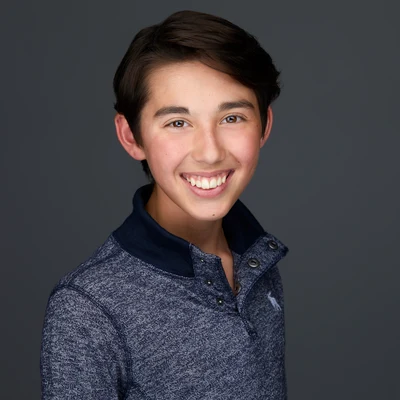
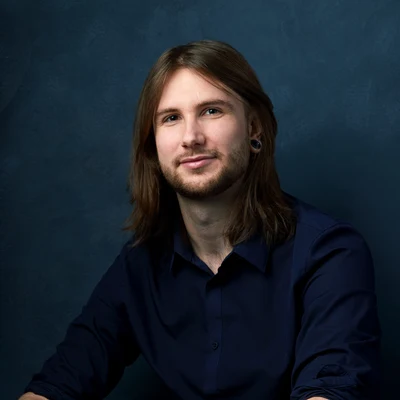
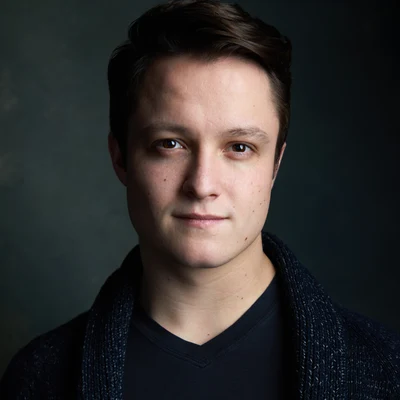
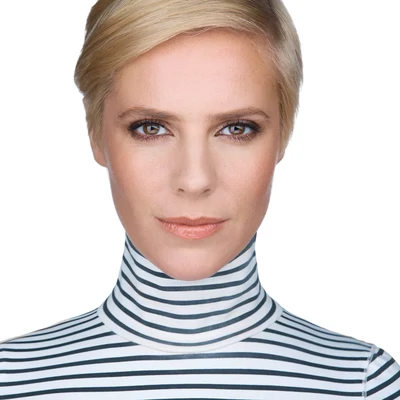
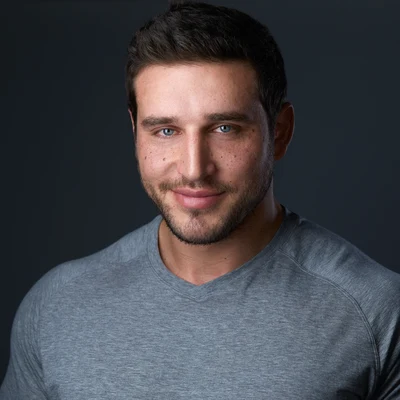
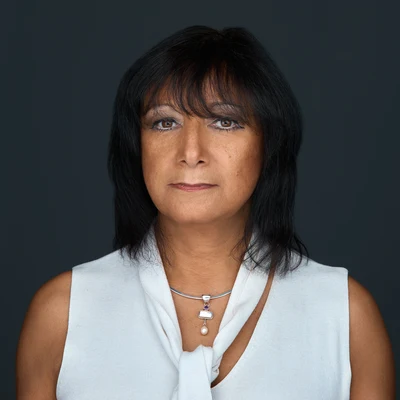
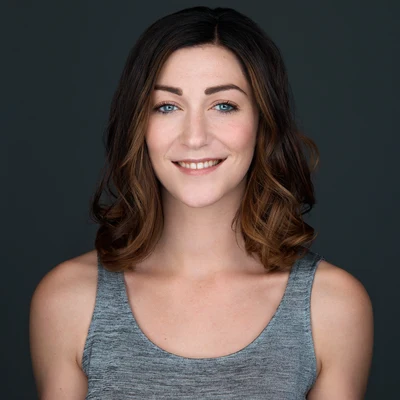
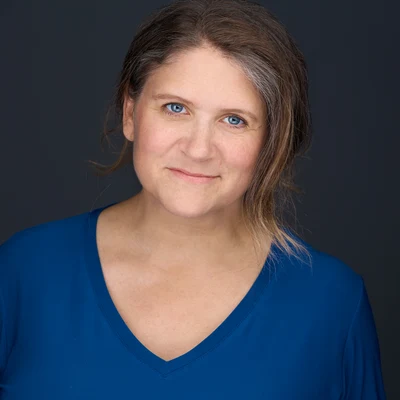
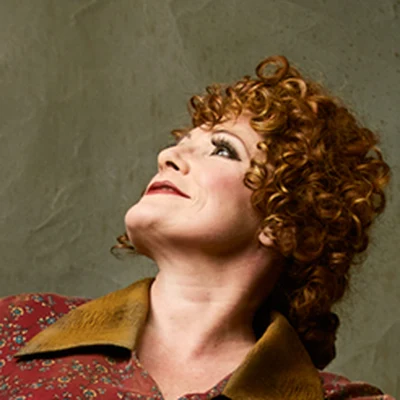
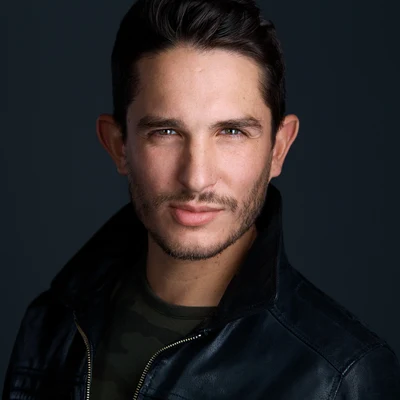
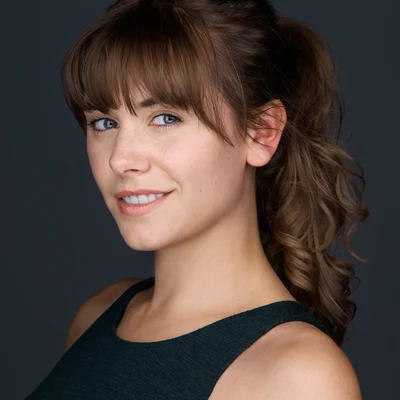
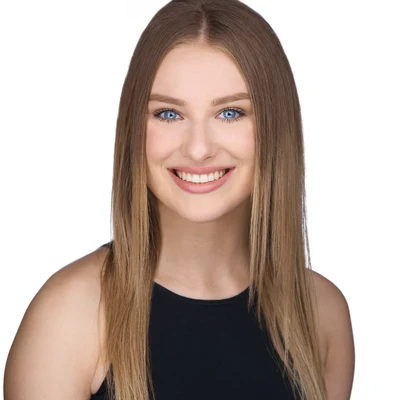
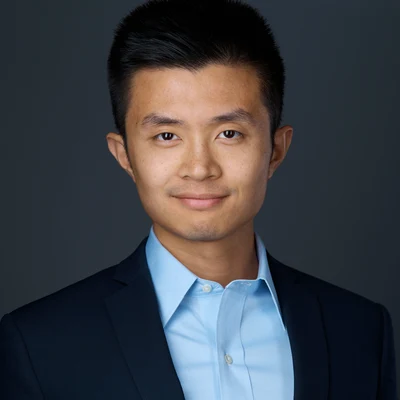
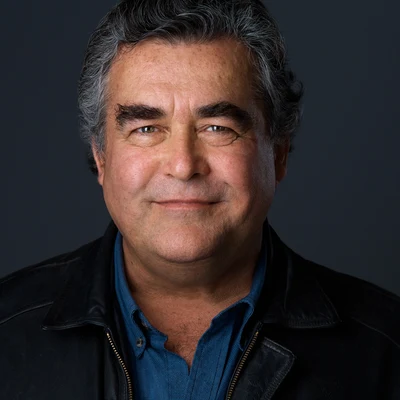
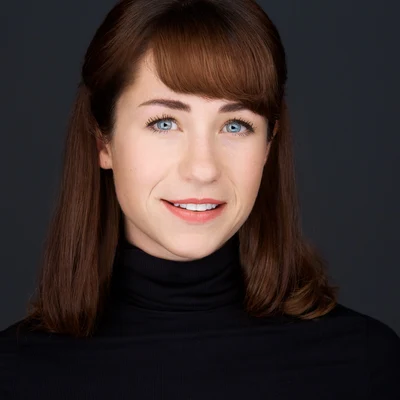
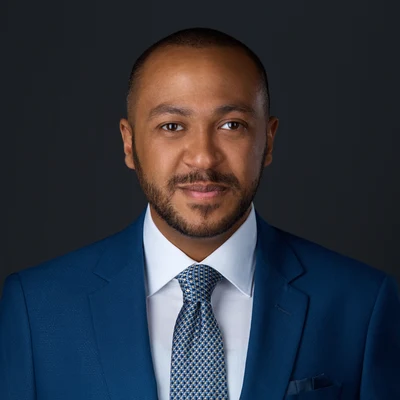
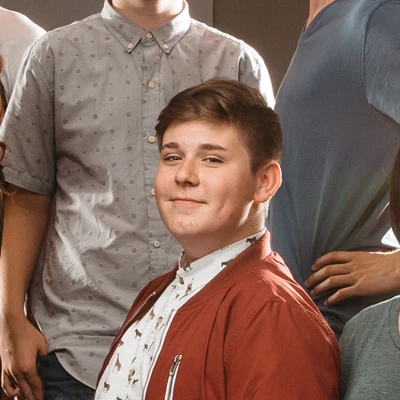
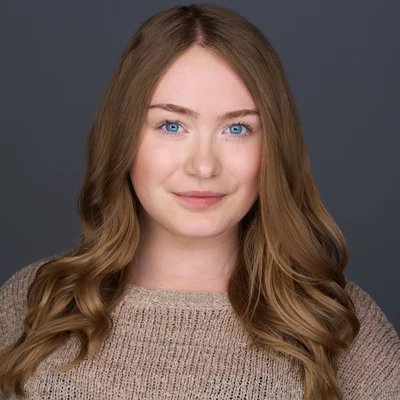
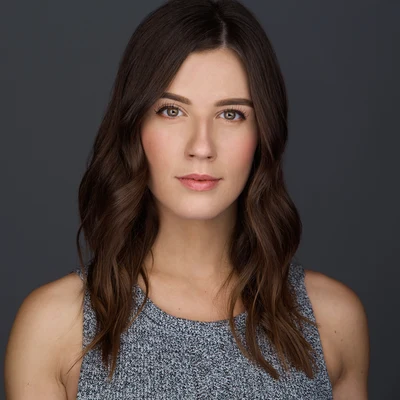
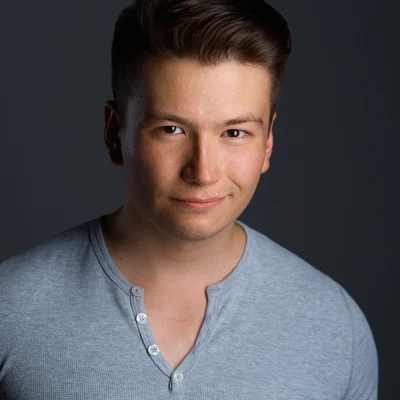
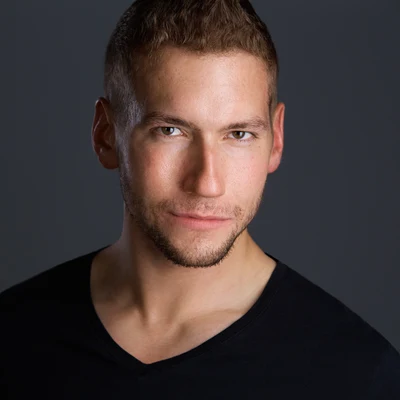
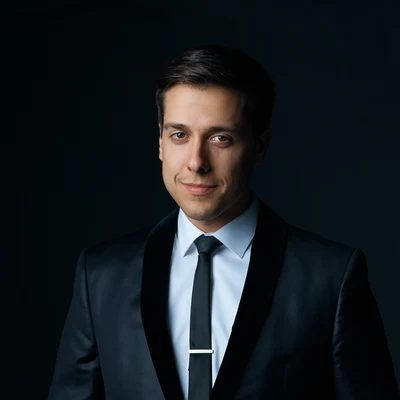
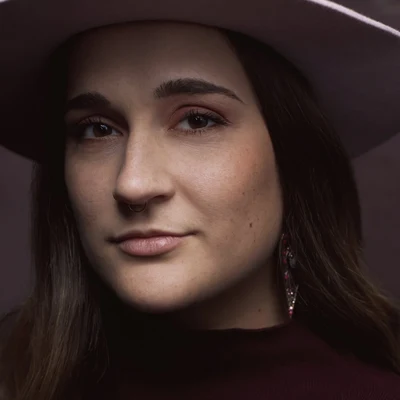
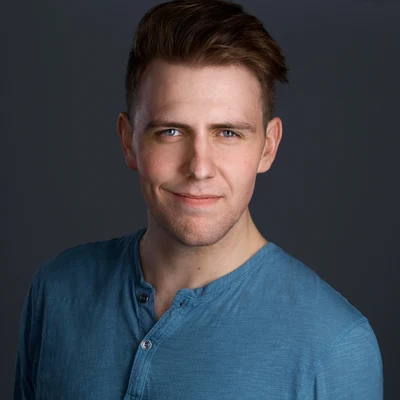
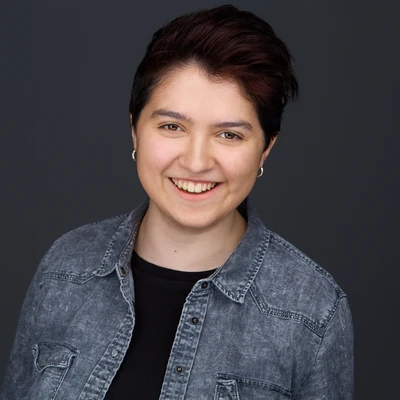
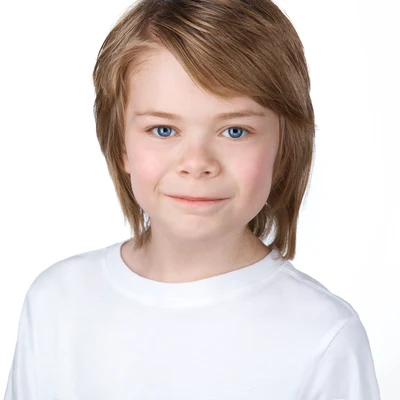
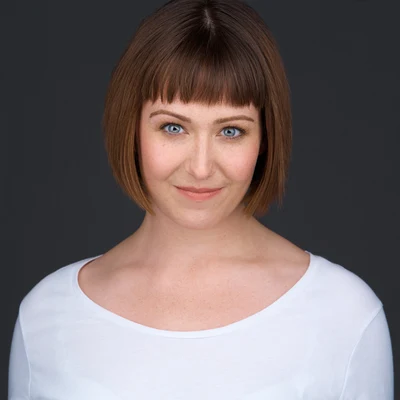
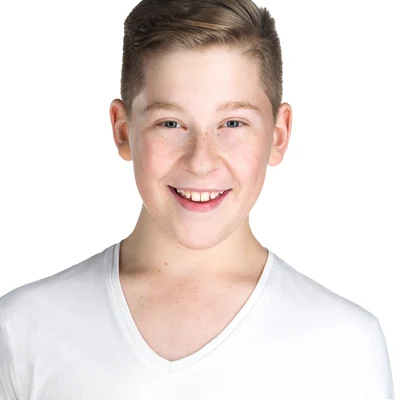
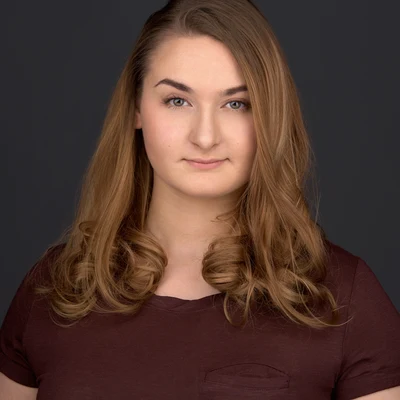
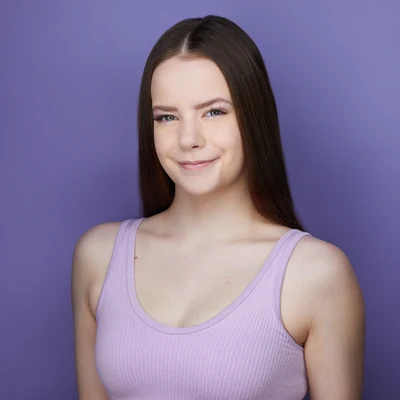
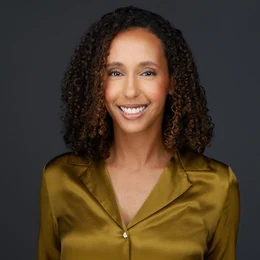
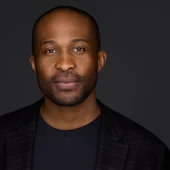
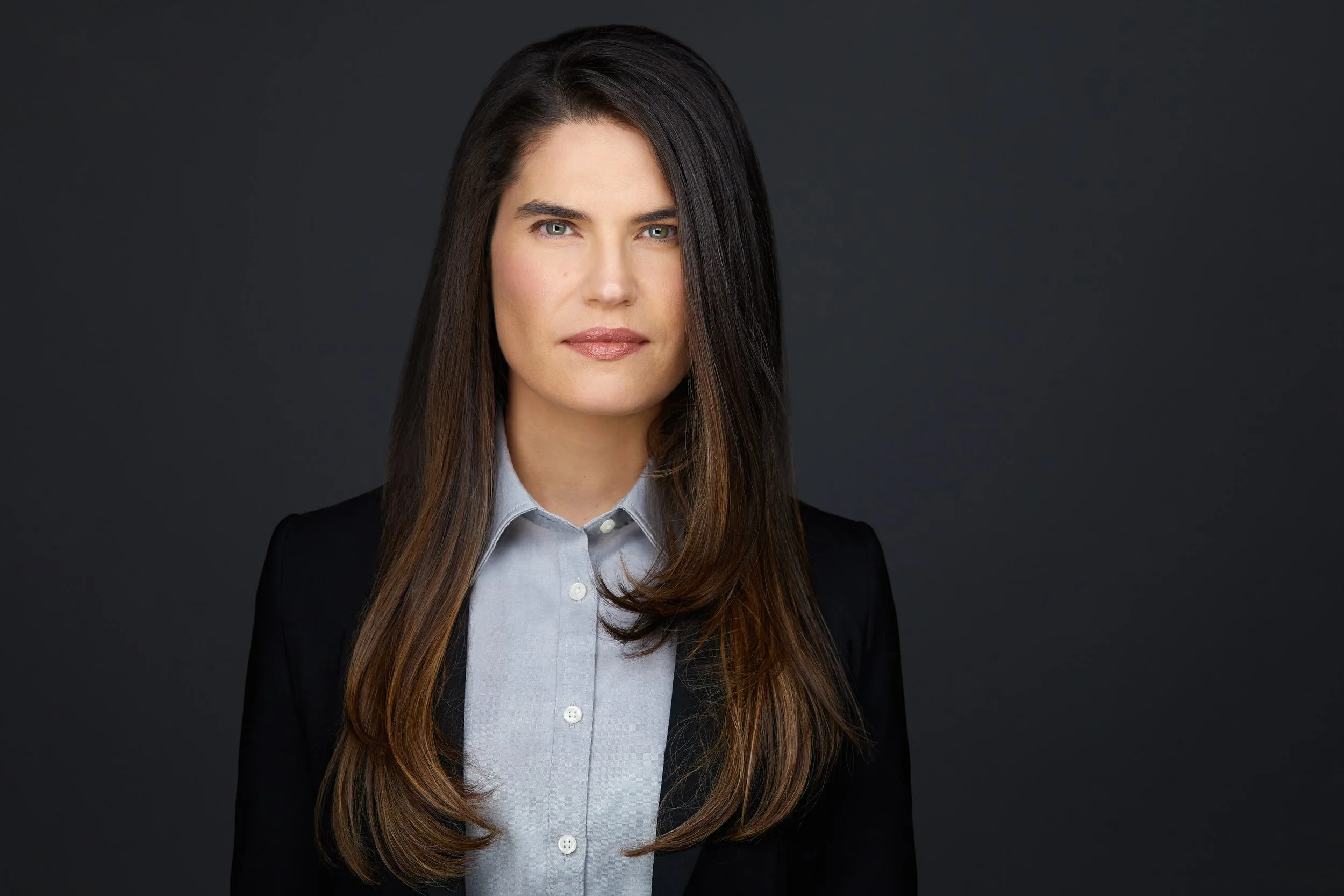
Your photo is a circle in search results, comment threads and connection requests long before anyone opens the profile, and the same circle is what a meeting shows when the camera is off. The frame is composed for that: face centred, a little room around it, and an expression that still reads at forty pixels.
Amani A.
Connect
 Tamunosa B.
Tessy

Tessy
A profile photo
The crop
A square goes up. A circle comes back.
- 152pxYour profile
- 72pxA post in the feed
- 48pxSearch results
- 32pxA comment
The file
What to upload, and what it has to be.
- Square. The platform cuts a circle out of the middle of it, so the corners are never shown.
- At least 400 pixels on each side. Bigger is better, up to 7680 by 4320 and under 8MB.
- JPG or PNG.
- The banner behind you is a different shape again: 1584 by 396, nearly four to one.
- Upload the web size from your session. Every session delivers one, composed with the circle in mind.
- A plain background holds up at 32 pixels. That’s why most of the circles at the top of this page are on grey or white.
- Use the same photo everywhere people find you, so the face matches the name.
- Keep the full-size file for the places that show it big: the company website, a bio, a conference programme.
- Change it when it stops looking like you. That’s the most common reason people come back.
Reviews
292 five-star reviews on Google.
Jennifer RuparellSeptember 2026Ryan, you made this experience fun! I’m not a person who likes my picture being taken and you made my uncomfortableness a relaxed and playful time. The session was quick and smooth-perfect. I love, and my company loves the headshot. Thanks Ryan! Nathan WaltersNovember 2023I discovered Ryan Parker Photography while doing a Google search just over a year ago. And am I ever glad I did!
One thing was very evident when working with Ryan. He’s a premier-level photographer that has crafted his skills over the years. From his workflow, technical ability, artistry, and professionalism, he has it all dialled in.
I highly recommend Ryan for anyone seeking a high-calibre, yet approachable, professional that will consistently deliver above and beyond. A great investment all around.
Nathan WaltersNovember 2023I discovered Ryan Parker Photography while doing a Google search just over a year ago. And am I ever glad I did!
One thing was very evident when working with Ryan. He’s a premier-level photographer that has crafted his skills over the years. From his workflow, technical ability, artistry, and professionalism, he has it all dialled in.
I highly recommend Ryan for anyone seeking a high-calibre, yet approachable, professional that will consistently deliver above and beyond. A great investment all around.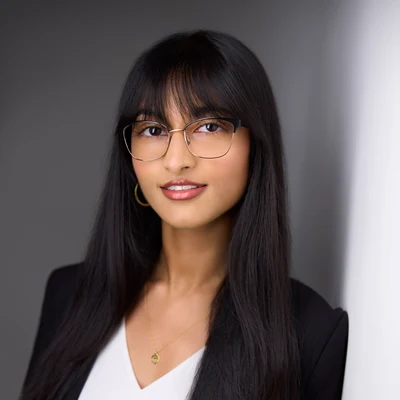 Arya SubramanianAugust 2026My fiancé and I chose Ryan for updated professional headshots, and we had a great experience working with him! Ryan was both professional and fun, creating a very relaxed atmosphere from the moment we started the session. Ryan was also very patient and put a lot of care into helping us narrow it down to our final shots!
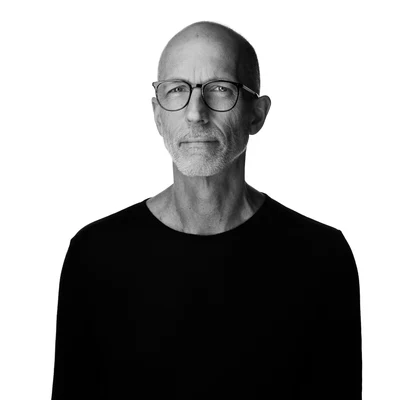 Andy ReynoldsJanuary 2026I chose Ryan for my headshots because of his acting experience and because his portfolio contained images that clearly communicated something, rather than just being a collection of smiley corporate vanilla. He immediately understood what I was looking for (and why), and helped me express it for his camera. We had the shots I wanted down in very short order, although I felt like he would have spent hours with me if that's what it took. The images were expertly retouched by the end of the week, and I couldn't be happier.
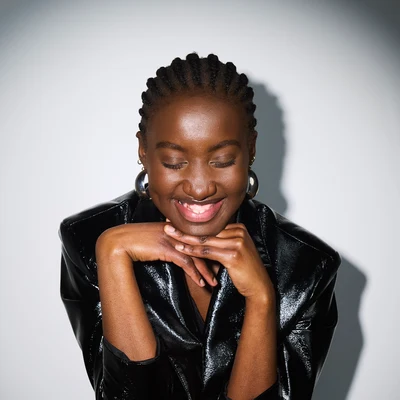 Kija LadoApril 2024Ryan is just the best to work with, personable, knowledgeable, and super kind. The photos he took made me feel like a million bucks.
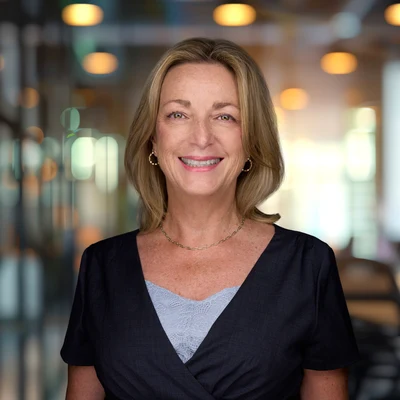 Nina PowellJuly 2026I hired Ryan to take our headshots for our company website. He was beyond excellent. From the initial consult to the final results, Ryan was professional, personable, talented, flexible and reasonably priced. The end results of our photos were exceptional. I highly recommend his company for any of your photography needs. A++
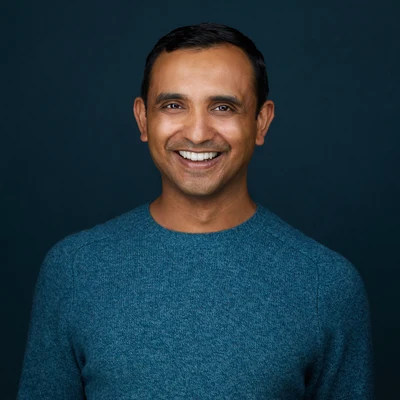 Shyam GaneshSeptember 2021Ryan is an absolute professional. I'm not normally comfortable posing for or taking any kind of photos but he made feel totally relaxed and at ease. His studio is professional and really well-equipped. I loved that I could see the photos as they were being taken, and that he used that to coach me on why he's asking me to do certain things that sounded weird. I also loved that we narrowed down the top photos right then and there, and that his touchup turnaround time was pretty quick. Super happy with my headshots and highly recommend Ryan Parker Photography!
 Anisa DattuApril 2022It was so easy to work with Ryan. He made the entire experience so comfortable and my headshot turned out beautiful due to his professionalism, high tech set up and guidance! Highly recommend Ryan for your next headshot!
 Reed McColmJanuary 2024Ryan Parker is a delight and a boon to all of us looks-challenged hobos who want to appear smart and personable in a photo. His kind demeanor and professional know-how goes a long way in the studio. Heartily recommended!
 Deidre HarrisonMay 2026I am eternally grateful to have Ryan on my 'life team'! For over a decade, he has been capturing the most professional and magical headshots for me. He is spectacularly talented, and I truly cannot say enough good things about him. Here’s to many more years of working together.
LinkedIn headshots in Edmonton — FAQs
Eight questions for Ryan.
01
Is a LinkedIn headshot a different session?
Same session. A LinkedIn headshot is a business headshot, and every session delivers a web size for the platform along with the rest of your finals. See what the session is →
02
Why does the circle matter?
LinkedIn shows your photo as a small circle in search results, comment threads and connection requests, long before anyone opens the profile. The frame is composed with that in mind: face centred, a little room around it, and an expression that still reads at that size.
03
What size should a LinkedIn profile photo be?
Square, and at least 400 by 400 pixels. The platform accepts up to 7680 by 4320 and a file under 8MB, in JPG or PNG. Anything comfortably above the minimum is fine; what matters more is that the face is centred, because the corners of the square are cut off.
04
Why is my LinkedIn photo a circle?
You upload a square and the platform masks it to a circle, which removes roughly a fifth of the picture. A frame composed for a rectangle loses its corners and can lose a shoulder; one composed for the circle does not. That is what the web size in your finals is for.
05
What size is the LinkedIn banner behind the photo?
1584 by 396 pixels, which is close to four to one. It is a different shape to everything else on the profile, and your profile photo sits over its lower left on desktop, so anything important belongs to the right of centre.
06
How often should I update my LinkedIn photo?
When it stops looking like you. A good rule of thumb is every two or three years, or sooner if your look has changed enough that people would look twice.
07
What should I wear?
Solid colours read best in a small circle and hold up over time. Wardrobe guidance is part of every session, so bring a couple of options if you’re torn and we’ll pick together.
08
Do you do LinkedIn headshots for a whole team?
Yes. Teams run as a team headshot day, in the studio or at your office, with everyone’s profile photo matched. See team headshots →
Get in touch for the current rate and the next few openings.
Book NowCurious what the session is like? The business page walks through it →